Family Organizer App: What Well Stockd Does and Doesn't
An honest comparison of family organizer apps: what Cozi and Skylight cover, what Well Stockd covers and doesn't, and how to pair a kitchen app with an organizer.
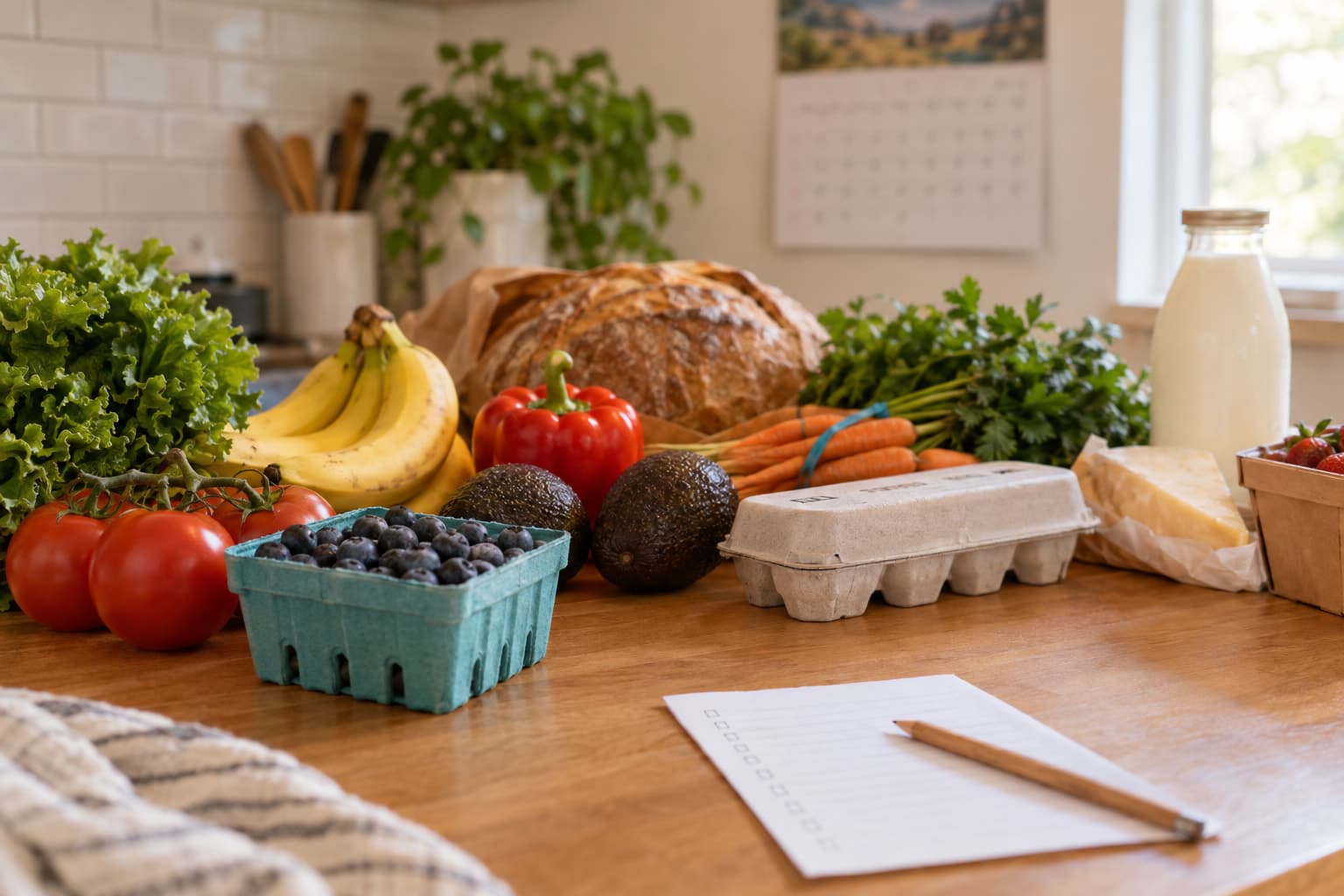
A family organizer app usually means a shared calendar, chores, to-do lists and a grocery list together. Cozi and Skylight cover that. Well Stockd covers only the kitchen: a shared grocery list, a weekly dinner plan and a pantry inventory. It has no calendar or chores, so add an organizer if you need them.
This page says plainly what each app covers, so you can choose one or run two without paying for overlap. We read each app's own pages in October 2026.
What is a family organizer app?
The phrase covers two jobs that often get lumped together. The first is coordination: who is where and when, who's doing which chore, what's on the school list. The second is household supply: what's for dinner, what's in the fridge, what to buy.
Most family organizer apps are strong on coordination and treat food as a side feature. Well Stockd is the reverse. It's built around the kitchen and has nothing for schedules. Neither is wrong, but knowing which job you're hiring for saves you from a mismatch.
What does Well Stockd do as a family organizer app, and what doesn't it do?
Here's the whole picture, from the app and its features page.
What it does:
- Shared inventory. Everyone in the household sees what's in the fridge, freezer and pantry, and fridge and pantry items carry an estimated best-by date.
- A shared shopping list that fills itself from what you cook, what runs low and what you plan.
- A weekly dinner planner with a Monday to Sunday grid and breakfast, lunch and dinner slots, scaled to servings.
- Recipes matched to what you own, a cook mode with timers and a voice option for adding items by talking.
- A one-tap Walmart cart from the shopping list.
What it doesn't do:
- No calendar, no events and no event reminders.
- No chore charts, routines, rewards or assigned tasks.
- No general to-do lists, school or activity schedules.
How sharing works: creating a household is a Pro feature, and the owner shares one invite code. Anyone can join a household free with that code, and everyone then shares inventory, shopping, planning and favorites. The weekly planner is also Pro. You can try the app before deciding.
How do Cozi and Skylight compare as family organizer apps?
| Cozi | Skylight Calendar | Well Stockd | |
|---|---|---|---|
| Shared calendar | Yes, free | Yes, on a wall display | No |
| Chores and tasks | To-do and chore lists | Chore charts and routines; rewards on Plus | No |
| Shared grocery list | Yes | A grocery list on the calendar, with an Instacart option on Plus | Yes, fills from your plan and cooking |
| Meal planning | Meal planner in the apps; AI planner on Max | Plus plan only | Weekly planner, Pro |
| Tracks what's in the fridge | Not described on its pages | Not described on its pages | Yes |
| Free version | Yes, with ads | Calendar needs the Skylight screen; Plus is optional | Yes, minus Pro features |
| Paid plans (October 2026) | Gold $39 a year, Max $79 a year | Calendar Plus $79 a year | See the app |
Cozi's details come from its plan comparison and FAQ. Skylight's come from its support pages on calendar features and cost.
What does Cozi do well?
Cozi is the classic answer to "family organizer app" and the table shows why. Its free version gives every family member a shared calendar, to-do and shopping lists and a recipe library, available on any device. Per its FAQ, the calendar can be shared by up to 12 people and is color-coded so everyone's events show at a glance, with reminders and agenda emails.
Cozi's feature overview also names chore lists for kids and shared grocery lists you can email. Its meal planner lets you plan dinners from your saved recipes or Cozi's recipe collections, highlights busy days and puts meals on the calendar.
The paid side: Cozi Gold is $39 a year, is ad-free and adds premium calendar features, and Max at $79 a year adds AI tools including an AI Meal Planner, as of October 2026. Our Cozi Gold guide goes through what Gold buys.
Where Cozi stops: its pages describe no inventory tracking, so its recipes and meal planner can't know what's already in your fridge. A plan can call for ingredients you already have, and you trim the shopping list by hand. That's the gap a kitchen app fills.
What does Skylight do well?
Skylight is hardware plus an app: a wall-mounted calendar screen the whole family can see. Its support pages describe chore charts and task assignments, with chores that can be assigned to one or more people and routines that repeat by time of day. Family members earn stars for completed tasks, and Skylight's Plus page lists Rewards as a Calendar Plus feature.
A meal planner exists, but its meal planner support page says the feature needs a Calendar Plus subscription, which costs $79 a year per its support page, as of October 2026. Plus also lists the Instacart grocery integration and Sidekick, a tool that imports events from photos and emails.
Skylight is the one to pick if the problem is the visible, physical family schedule, especially with kids who respond to chore charts and rewards. It's less about food, and it doesn't track what's in your kitchen.
When is a kitchen app enough, and when do you need an organizer?
A short test helps.
If the questions that stress your house are "what's for dinner" and "do we have eggs", a kitchen app is the right tool, and an organizer would add features you won't use. Our family meal planning guide is the method for that.
If the stress is overlapping practices and who's picking up whom, you need a calendar. Pick Cozi or Skylight and let the kitchen part stay simple.
If it's both, which is common, use one of each. Put the schedule and chores in the organizer and the pantry, plan and grocery list in the kitchen app. The only rule is to keep one grocery list. Two shared lists will drift apart, so choose where it lives. If it lives in Well Stockd, everyone who has joined your household sees it update. A shared pantry guide covers keeping one inventory in sync across a family, and one kitchen, two phones covers the iPhone and Android side. If Cozi is the organizer, our Cozi switch page shows how the two fit together.
What does a week look like with an organizer and a kitchen app together?
A sample split, using Cozi as the organizer. Swap in Skylight if you prefer a wall screen.
| When | In the organizer | In Well Stockd |
|---|---|---|
| Sunday evening | Check the week's practices, appointments and who has the car | Build the dinner plan, with busy nights getting the quick recipes |
| Sunday evening | Add "late practice" or "dentist" events | The plan fills the shopping list with only what's missing |
| Midweek | Reminders go out for events | Add what you used after cooking so the inventory stays true |
| Shopping day | Nothing needed | Open the one list, or send it to a Walmart cart |
| Any day | Kids check their chore list | Anyone who has joined the household sees the shared list update |
The point of the split is that each app does what it's built for. The organizer knows the schedule, so you know which nights are tight. The kitchen app knows the fridge, so the plan uses what you have. Neither knows the other's data, so you carry one fact across by hand: which nights are busy. That takes ten seconds on a Sunday, and it's the honest cost of running two apps.
What should you ask before paying for a family organizer app?
Four questions settle most decisions.
- Who needs to see it? Cozi's free calendar can be shared by up to 12 people, and one Gold subscription covers everyone on the account. Skylight is a single screen in one room plus the app. Well Stockd's household share covers inventory, shopping, planning and favorites for anyone with the invite code.
- Are ads a dealbreaker? Cozi's free version is supported by ads, per its FAQ, and Gold removes them. If you want none, price that in.
- Do you want a screen on the wall? Skylight is hardware you buy, with an optional $79 a year plan. A phone app is cheaper to start but easier to ignore.
- Is food the actual problem? If your family argues about dinner and forgets what's in the freezer, no calendar will fix that. If it argues about who's driving, no pantry app will.
Your answers usually point to one app. If you're still undecided, start with the free tier of the one that matches your biggest daily friction, and add the other only if you miss it after a couple of weeks.
Which family organizer fits which household?
| Your household | Start with | Add later if needed |
|---|---|---|
| Two adults with different work schedules, no kids | Cozi free for the shared calendar | A kitchen app if dinner planning slips |
| Parents with school-age kids and a crowded week | Cozi, or Skylight if you want a wall screen with chores and rewards | A kitchen app for the dinner plan and pantry |
| A family that wastes food and overbuys groceries | Well Stockd for inventory, plan and list | An organizer if schedules become the bigger problem |
| Roommates or a couple sharing groceries only | Well Stockd, with one invite code | Nothing, since neither needs chore charts |
None of these is a permanent choice. Families change what they need as kids get older, and every app above has a free tier you can leave.
Where does Well Stockd win, and where doesn't it?
Where it wins: it knows what's in the kitchen. A plan can use up what's about to spoil, the shopping list holds only what's missing, and each recipe shows whether you can make it now. That's the part organizers leave out.
Where it doesn't win: everything outside the kitchen. No calendar, no chores, no reminders for events. It's a web app that installs to the home screen, not a native store app, and some of its sharing features need Pro. If your household's pain is coordination, Cozi or Skylight is the better first download.
Try the kitchen side with three foods
Add three foods from your fridge and see what you can cook tonight. Try it free, then invite the household with a code if you want to share it. The kitchen inventory guide explains how to set up a shared stock list that stays accurate.
FAQ
Is Well Stockd a family organizer app?
Partly. It organizes the kitchen for a household: shared inventory, shopping list and dinner plan. It has no calendar, chores or events, so it isn't a full family organizer on its own.
What is the best free family organizer app?
For calendar, lists and recipes without paying, Cozi's free version covers the most, and it shows ads. Skylight's calendar features beyond the basics need a paid Calendar Plus plan, and its screen is hardware you buy.
Can you use Well Stockd with Cozi?
Yes. They do different jobs. Keep schedules and chores in Cozi and the pantry, plan and grocery list in Well Stockd, and keep only one grocery list so the two don't drift apart.
Do family organizer apps track what's in your fridge?
Cozi and Skylight don't describe any inventory tracking on their own pages. Well Stockd does, with an estimated best-by date on fridge and pantry food.
Track it in Well Stockd
Add what you have, see what you can cook tonight, and get a reminder before anything goes off.
