Google Docs recipe book template: free, printable copy
Copy a free, printable Google Docs recipe book template: cover, contents, sections and a repeatable recipe page. Includes how to fill it and its limits.
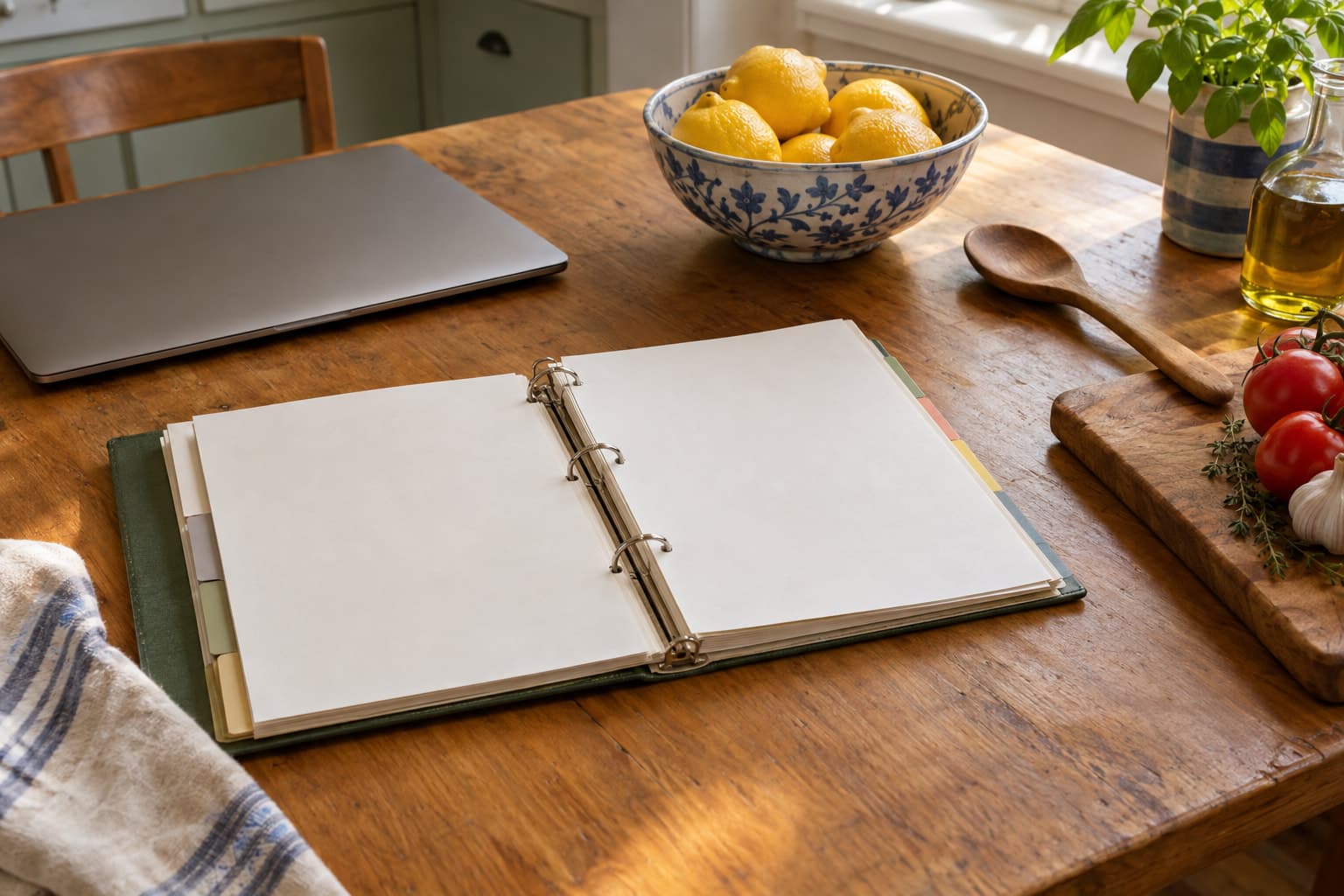
This Google Docs recipe book template is free and printable: a cover, a contents page, five sections and a blank recipe page in each, with ingredients, steps, notes and a source line. Open it, choose File, then Make a copy, and fill in your copy.
Open the Google Docs recipe book template. It opens in view-only mode, so nothing you do changes the original. Copy it first, then edit your copy.
What's in the Google Docs recipe book template?
The template is plain on purpose. It uses ordinary heading styles, simple tables and a numbered list, with no add-ons, so it survives Make a copy and prints on a home printer.
| Page | What's on it |
|---|---|
| How to use this template | A short box at the top with six steps. Delete it when you've read it |
| Cover | A title you replace, a subtitle line, and a start date |
| Contents | A placeholder that you turn into a linked table of contents |
| Section pages | Weeknight dinners, Weekend cooking, Baking, Sides and sauces, Want to try |
| Recipe page, one per section | Recipe title, servings, prep time, cook time, an ingredients table, six numbered steps, notes and a source |
The sections follow the method in our guide on how to organize recipes: sort by how you cook, not by where a recipe came from. Rename them if your kitchen works differently. A holiday section or a "Kids can help" section is an easy swap.
How do you copy the Google Docs recipe book template?
- Click the link above while you're signed in to your Google account.
- Choose File, then Make a copy.
- Name it, pick a folder in your Drive, and click Make a copy.
- Work in the copy. The copy belongs to you and no one else can see it unless you share it.
If you're not signed in, Google asks you to sign in first, because a copy has to live in an account.
How do you fill in the recipe pages?
Each recipe page has the same layout, so the book reads the same from the first recipe to the fiftieth.
The top table holds servings, prep time and cook time. The ingredients table has three columns: amount, ingredient and notes. Use the notes column for things like "diced" or "room temperature." The steps are a numbered list, so keep each step to one action. Under that, leave a notes line for what you changed, and a source line for where the recipe came from. If a recipe is from a person or a book, say so. It helps when someone asks you for the original.
To add a recipe, select a whole recipe page, from the title to the source line, and copy it. Paste it under the section heading, then replace the text. Insert a page break (Insert, then Break, then Page break) before each pasted recipe if you want one recipe per sheet in a printed binder.
How do you make the contents page work?
The contents page is a placeholder, because Google Docs builds its own. Click on the contents page, choose Insert, then Table of contents, and pick a style. Google Docs builds it from your heading styles, and each entry links to its heading (Google Docs Help). After you add recipes, click the contents and choose Refresh.
For this to work, keep section names as Heading 1 and recipe titles as Heading 2, which is how the template is set up. If you rename a section, don't change its style. The small labels on each recipe page (Ingredients, Steps, Notes and Source) are Heading 3, so they can show up in the contents too. Google's contents options let you choose which headings it displays (Google Docs Help), so you can trim the list if it feels long.
What can't a Google Docs recipe book do?
A doc is good at one thing: a recipe book you control, in a layout you like, that you can print and hand to someone. It's not good at everything else, and it's better to know that now.
| What you want | Google Docs recipe book | A recipe app |
|---|---|---|
| Print a clean binder | Yes | Often limited |
| Save a recipe from a web page | Copy and paste by hand | Import from a URL |
| Search by ingredient | Find in the doc, one word at a time | Search and filters |
| Scale a recipe to 4 servings | Redo the math yourself | Built in on many apps |
| See what you can cook tonight | No | Only if the app knows your kitchen |
| Fully yours, no account lock-in | Yes | Depends on export |
Two things catch people out. The first is size. A doc with 60 recipes gets long and hard to scan, so a tidy contents page matters. The second is capture: typing every recipe in by hand is the step that makes people give up. If that's you, importing is a better fit. See our guide to free recipe keeper apps for which ones are worth trying.
When is a recipe app a better fit than a Google Docs recipe book?
When you want recipes to do more than sit on a page. Well Stockd lets you paste a recipe URL or text, upload a Paprika or Recipe Keeper export, or read a photo of a recipe, and nothing is saved until you review it. Recipes show whether you can make them with what's in your fridge, and what's missing.
You don't have to choose. Plenty of people keep a printed book of favorites for the family and use an app for day-to-day cooking. If you want to try the app side, add three foods from your fridge and see what you can cook. Try it free.
For planning the rest of the week, the free printable weekly meal planner with a grocery list pairs well with a recipe book.
Google Docs recipe book template FAQ
Is the Google Docs recipe book template free?
Yes. It's free to open and copy into your own Google account. You don't need a Well Stockd account.
How do you make a copy of the Google Docs recipe book template?
Open the template while signed in to Google, choose File, then Make a copy, and pick a folder. Edit your copy, not the original.
Can you use the Google Docs recipe book template on a phone?
You can open and read your copy in the Google Docs app, and edits sync. Building a table of contents and moving whole pages is easier on a computer.
How do you print the Google Docs recipe book template?
Choose File, then Print in your copy. Check the print preview first: a recipe with long steps may run onto a second page, and you can trim the blank lines or shorten the text to fit.
Track it in Well Stockd
Add what you have, see what you can cook tonight, and get a reminder before anything goes off.
