How to organize recipes: one home, simple tags
A tool-agnostic method for organizing recipes: one home, folders versus tags, what to delete, a cleanup in six steps, and the habit that keeps it tidy.
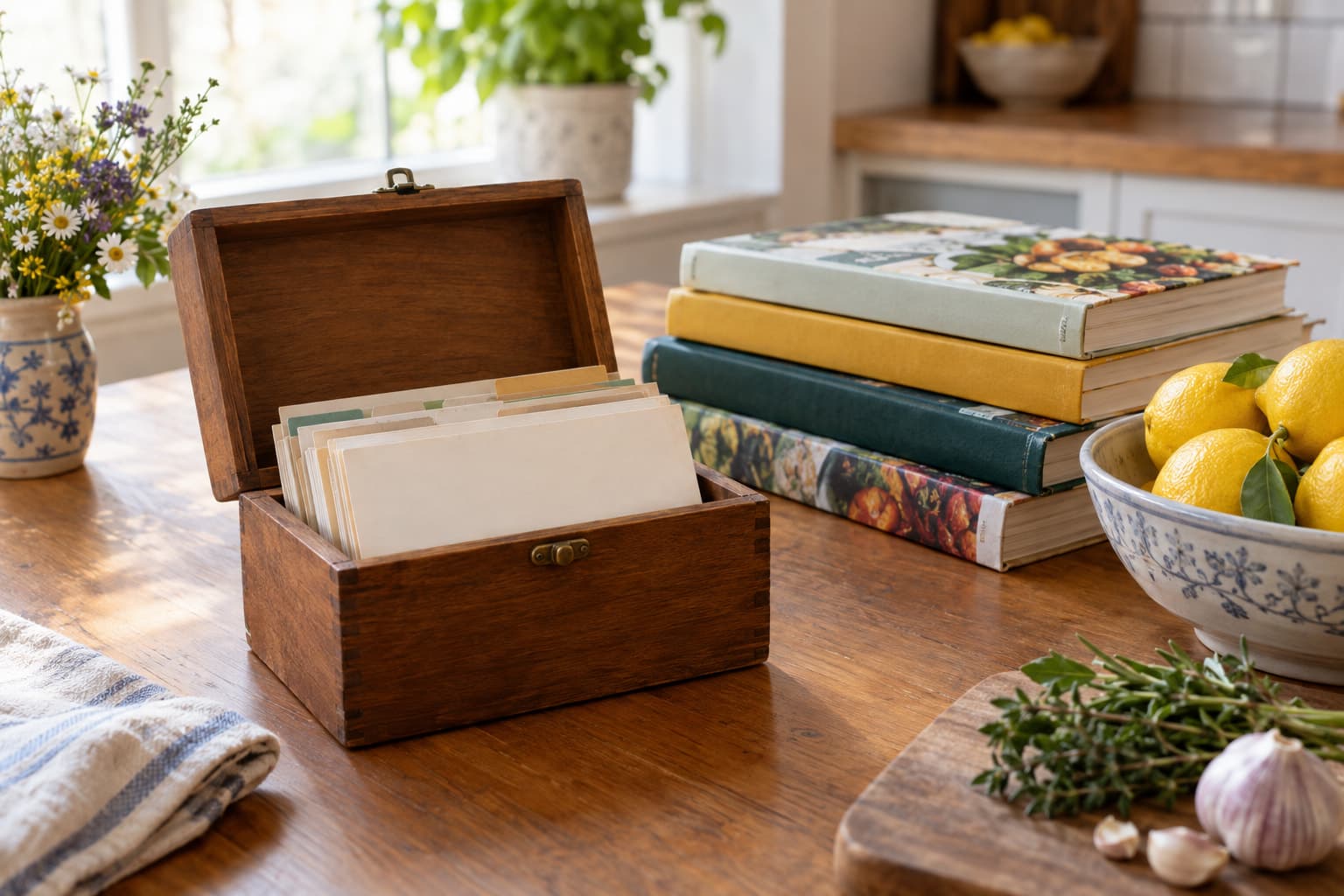
How to organize recipes comes down to four moves: keep them in one place, sort by how you cook rather than where a recipe came from, delete the ones you'll never make, and tag the keepers. Do the cleanup once, then save each new recipe the day you try it.
Most recipe collections fail for one reason: they're scattered. A few are bookmarked, some are screenshots, a handful are on index cards, and half a dozen live in a group chat. You can't organize a pile that has no single home, so the first step has nothing to do with folders.
How do you organize recipes in one place?
Pick one home and move everything there. It can be a recipe box, a binder, a notes app, a Google Doc or a recipe app. The tool matters less than having just one.
| Where recipes live | Works well for | Where it breaks down |
|---|---|---|
| Paper box or binder | A small set of family recipes | No search, one copy, hard to share |
| Notes app | Quick capture from your phone | Gets long and flat, no structure |
| Google Doc | A printable book you control | Manual upkeep, no import |
| Recipe app | Saving from the web, search, scaling | Depends on the app, so check export |
If you're not sure which fits you, our comparison of a recipe organizer and a kitchen app is the next read. Whatever you choose, make sure you can get your recipes back out. Paprika, for example, exports to HTML or its own bulk format, so a collection isn't locked in (Paprika support).
What's the best way to sort recipes: folders or tags?
Sort by how you use a recipe, not by where you found it. "From Grandma" or "from Instagram" tells you nothing at 5:30 on a Tuesday. These categories do:
| Category | What goes in it |
|---|---|
| Weeknight | Under 45 minutes, few dishes |
| Weekend | Slow, project or company recipes |
| Baking | Anything with an oven and a scale |
| Sides and sauces | Pieces you add to other meals |
| Want to try | Saved but untested |
Folders and tags solve different problems. A folder holds a recipe in exactly one place, which keeps a small collection tidy. Tags let one recipe sit in several places: a chicken soup can be weeknight, freezer-friendly and comfort food. Paprika's guide shows both ideas, with categories that can nest into subcategories, and a recipe can belong to more than one category (Paprika user guide).
A good rule: use one folder-level category for the meal and one or two tags for the rest. More than that and you'll stop filing.
If you keep a Google Doc, headings do this job. Use heading styles for each category, and Google Docs builds a table of contents that links to them (Google Docs Help). We built a copy-ready layout in our Google Docs recipe book template.
How do you clean up a recipe collection step by step?
Do this in one or two sittings, with a timer.
- Gather everything. Open your bookmarks, camera roll, notes and the shoebox, and move each recipe into your chosen home. Don't sort yet.
- Delete duplicates and recipes you don't want. If you've had it for a year and never cooked it, let it go. A recipe you saved because it looked pretty is a photo, not a recipe.
- Mark what you've actually made. Add a star or a "made it" tag to the ones you've cooked and liked. These are your core set.
- File each keeper under one category and add up to two tags.
- Fix the ones that matter. Rewrite vague steps and note the changes you always make, like less salt or a longer bake.
- Put the untested ones in "Want to try" and review that list monthly.
The core set is often smaller than you feared. That's the collection you'll actually cook from.
What habit keeps a recipe collection organized?
Save a recipe the day you cook it, not the day you find it. Cooking it is the filter. After dinner, spend two minutes on three things: did it work, what did you change, and which category does it belong in.
Add a note on what you'd do differently. It's the part that makes your copy better than the original, and it's the part you'll never remember in six months. Move a recipe to "Want to try" when you find it, and to a real category only after you've made it.
Once a season, scan "Want to try" and delete anything you've walked past more than twice.
Or skip the spreadsheet: organize recipes in an app
A binder or doc is a good fit if you like printing recipes. An app takes over the work of importing and searching, which is where manual systems tire out.
Well Stockd handles the cleanup part directly. You can paste a public recipe URL, paste recipe or caption text, upload a Paprika or Recipe Keeper export (up to 4 MB or 100 recipes), or have AI read a photo of a recipe. Nothing is saved until you review it. You can sort recipes into lists you name yourself, and deleting a list never deletes its recipes, so a list works like a tag. Free accounts can keep two lists, and Pro removes that limit. You can search by name or ingredient and filter by cuisine, protein, meal, time and calories.
What makes it different from a pure organizer is that recipes also show whether you can make them with what's in your fridge right now. If that's the part you want, add three foods from your fridge and see what you can cook. Try it free. If you're leaving another app, the Paprika switch guide explains how.
It's not a printable book. If you want a physical or shareable binder, a doc does that better. For ranking free apps by what the free tier lets you do, see recipe keeper apps that are free and our Yummly alternatives. For the bigger picture of cooking from what you already have, the guide on what to cook with what you have is the place to start.
How to organize recipes FAQ
How do you organize recipes without an app?
Use a binder or a Google Doc. Group recipes by how you cook them, like weeknight, weekend and baking, and add a table of contents so you can find things. A doc with heading styles builds the table of contents for you.
Should you organize recipes by category or by ingredient?
By category, then search for ingredients. Categories answer "what kind of meal is this," and ingredients are better handled by search or filters. A paper binder can't search, so add a short index by main ingredient if you use one.
How many recipes should you keep?
As many as you'll cook. There's no right number, and the rotation you really use is usually small. Keep the rest in a "Want to try" list and prune it every few months.
What do you do with recipes saved on social media?
Move them into your recipe home as text, with the ingredients and steps written out. A screenshot or saved post is easy to lose and can't be searched.
Track it in Well Stockd
Add what you have, see what you can cook tonight, and get a reminder before anything goes off.
