Free Printable Weekly Meal Planner With Grocery List
A one-page weekly meal planner and grocery list you can build in about ten minutes, plus a sample week and a shopping list sorted by store section.
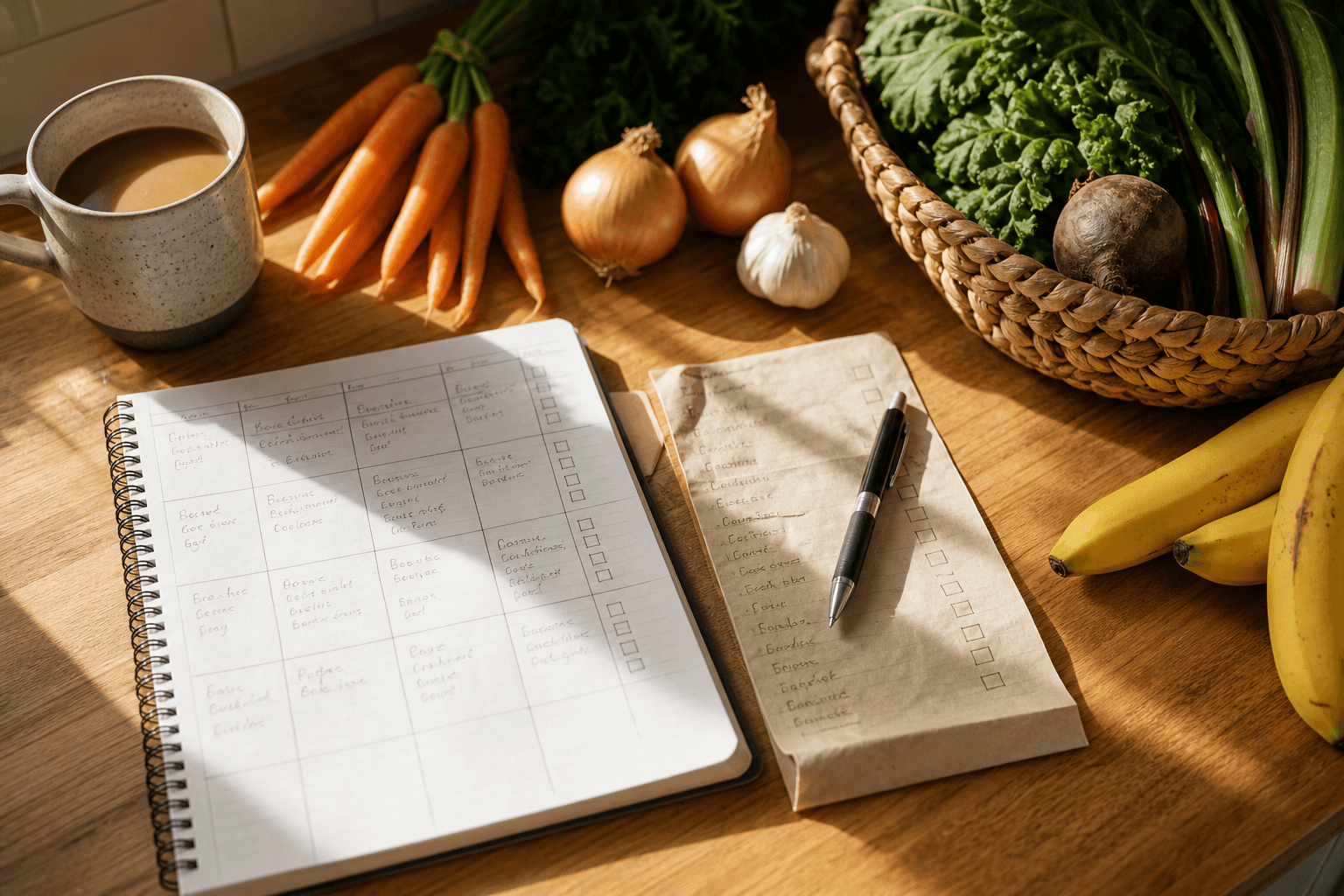
A free printable weekly meal planner with a grocery list works best as one page split in two: a seven-day meal grid on one side and a shopping list grouped by store section on the other. Build it in about ten minutes using a notebook page, a spreadsheet, or plain paper.
What makes a weekly meal planner and grocery list work?
The planners people stick with share a few traits. They fit on one page, so there's no flipping between a calendar app and a separate list. You fill in the meals first, then build the grocery list from those meals instead of guessing at it separately. And the grocery side is grouped by store section (produce, dairy, pantry, meat, frozen), so you're not crisscrossing the store for one forgotten item.
If you have never mapped out a week before, our guide to meal planning for the week covers the basics, and weekly meal planning for beginners walks through a slower, step-by-step version of the same idea.
How do you build a free printable meal planner in 5 steps?
- Pick your page. A blank sheet folded in half, a two-column spreadsheet, or a notes app split into two lists all work. You do not need a designed template for this to be effective.
- List your dinners first. Dinner usually needs the most planning, so fill that row in for all seven days before touching breakfast, lunch, or snacks.
- Check your kitchen before you write down a single grocery item. Open the fridge, freezer, and pantry and cross off anything you already have. This is the step that prevents duplicate buys.
- Build the grocery list from the meals, grouped by store section. Go dish by dish, add what is missing, and sort as you go so you are not re-sorting a messy list at checkout.
- Print it or pin it. Stick the page to the fridge, tape it inside a cabinet, or keep it pinned in a notes app. The point is that you see it every time you are deciding what to cook or grabbing your keys to shop.
What does a sample weekly meal plan and grocery list look like?
Here is what a filled-in version looks like for a typical week.
| Day | Dinner | Uses up |
|---|---|---|
| Monday | Sheet-pan chicken and roasted vegetables | Half a bag of carrots, the last onion |
| Tuesday | Black bean tacos | Odd end of shredded cheese, extra tortillas |
| Wednesday | Pasta with sausage and greens | Wilting spinach, half a package of sausage |
| Thursday | Leftover night | Whatever is left in the fridge |
| Friday | Sheet-pan salmon and potatoes | Second half of the potatoes from Monday |
| Saturday | Homemade pizza | Cheese, sauce, and any vegetables that need using |
| Sunday | Slow-cooker soup | Bones, scraps, and vegetables nearing their limit |
Once the dinners are set, sort what you need to buy by where you will find it in the store.
| Store section | Example items for this week |
|---|---|
| Produce | Carrots, onions, spinach, potatoes, bell peppers |
| Meat and seafood | Chicken thighs, sausage, salmon fillets |
| Dairy and eggs | Shredded cheese, milk, eggs |
| Pantry | Black beans, tortillas, pasta, canned tomatoes |
| Frozen | Frozen peas, pizza dough if not making it from scratch |
| Other | Paper towels, dish soap |
Where do printable planners usually fall apart?
The layout above works right up until the week you forget what's already in the pantry, or the sheet gets buried under mail and you fall back on takeout instead. That's what breaks most paper systems, not the template itself. And it adds up: the EPA estimates the average family of four spends almost $3,000 a year on food that never gets eaten, and some of that is groceries bought twice because nobody checked the shelf first.
If you want the grocery list to build itself from what you're missing instead of what you're guessing you're missing, that's the gap a meal planning app with pantry inventory is built to close. Well Stockd tracks what's in your fridge, freezer, and pantry and checks it against your planned meals, so the shopping list only includes what you don't already have. It's worth trying once a paper system starts feeling like one more thing to maintain, and it works just as well if you'd rather keep the printable version as your main habit and only use the app to double-check the shelf.
For a version with the blanks already drawn in for you, see our meal planning for beginners template.
Frequently asked questions
Do I need to buy or download anything to use this planner? No. Copy the layout above by hand into a notebook, type it into a spreadsheet, or recreate it in any notes app. All you need is one page split into a meal grid and a grocery list.
How do I stop my grocery list from including food I already own? Check the fridge, freezer, and pantry before you write anything down, not after. Building the list from your meals without checking your shelves first is the single biggest cause of duplicate groceries.
Can I reuse the same weekly template every week? Yes, and it gets faster each time. Keep a running list of meals that worked, so you're rotating through a known set of dinners instead of starting from a blank page every week.
Sources: EPA: Preventing Wasted Food at Home