Best app that scans your fridge and suggests recipes (2026 comparison)
We compared seven apps that promise to turn your fridge into recipe ideas, including SuperCook, KitchenPal, Paprika, AnyList, NoWaste, and Pantry Check, on free tiers, expiry alerts, and recipe match.
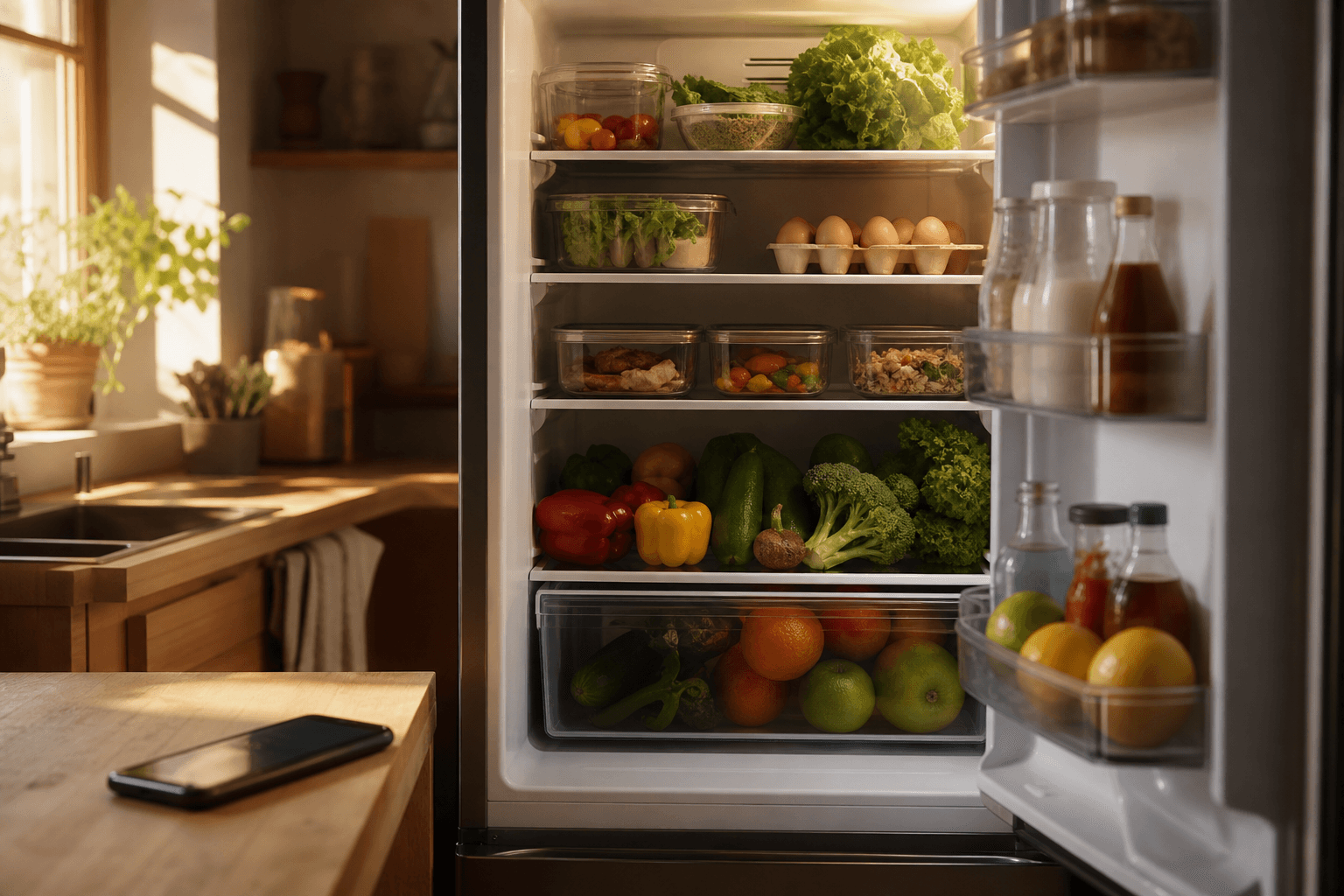
Well Stockd is the best overall pick for turning your fridge into recipe ideas. Its free tier checks your real inventory against more than 3,800 recipes, and it does that from what you logged, not from a camera's guess at what's on the shelf. KitchenPal is the honest runner-up: it pairs barcode-based logging with its own recipe suggestions and family sharing, with a paid tier if you outgrow the free one.
How we compared
We looked at seven apps people search for when they want their phone to tell them what to cook from what is already in the kitchen: SuperCook, KitchenPal, Paprika, AnyList, NoWaste, Pantry Check, and Well Stockd. Mealime, which closed on October 21, 2026, stays in the table only as a record. For each one we checked four things that matter most for a "scan my fridge" search: whether the free version is usable without a subscription, whether the app warns you before food expires, whether it matches recipes to your real inventory rather than a wishlist, and whether more than one person in a household can update it. We took feature and pricing details from each app's public store listing, pricing page and help documentation, checked on October 23, 2026, and each price or limit links to the page it comes from.
One honest note before the table: none of these apps reliably identify every item in a photo of a cluttered, dimly lit fridge shelf yet. The "scan" in most of them means fast manual entry, barcode scanning, or voice input, not true photo recognition of a whole shelf. We flag that below so you know what you are actually getting.
App comparison at a glance
| App | Free tier | Expiry alerts | Recipe match to your inventory | Family sync | Starting price |
|---|---|---|---|---|---|
| Well Stockd | Yes, full loop free forever | Yes, expiry-aware fridge, pantry, and freezer tracking | Yes, "can make now" checked against more than 3,800 recipes | Free shares a shopping list with one other person; the household kitchen is Pro | Free, or $7.99/month (or $79/year) for Pro |
| SuperCook | Yes, entirely free | No, its saved pantry holds ingredient names with no dates | Yes, this is its core feature | No | Free |
| KitchenPal | Yes, up to 100 items | Yes | Yes | Yes | Free, or $3.99/month Premium |
| Paprika | Android only, up to 50 recipes | Expiration dates you can sort by, no push notifications | No, pantry stock and recipes do not auto-match | Yes, via Family Sharing | $4.99 one time on iOS, $29.99 on Mac |
| AnyList | Yes | No | No, it is a grocery and recipe list app, not inventory matched | Yes, free | Free, or $9.99/year (individual) for Complete |
| Mealime | Closed October 21, 2026 | No | Not applicable | No | Not applicable |
| NoWaste | Yes, lists for one location; no item cap published | Yes | Basic recipe suggestions | Yes | Free, or $6.99/year Pro |
| Pantry Check | Yes, up to 200 items | Yes | No, recipes are not supported | Yes | Free, with paid storage plans |
What each app is good at
SuperCook
Switching from SuperCook? See how Well Stockd compares
SuperCook is a genuinely free recipe search engine built around ingredients you already have. Type or say what's in your kitchen and it matches you against a huge aggregated recipe database. Its saved pantry holds ingredient names only, with no dates or quantities, so it will not tell you something is about to go bad. It is a recipe finder, not a fridge tracker.
KitchenPal
KitchenPal is the closest thing on this list to an all-in-one kitchen app: barcode scanning to log groceries, expiry alerts, recipe suggestions from your pantry, and household sharing. The free tier caps you at 100 items, 50 barcode scans and 20 photo detections and keeps unlimited meal planning and custom sections for Premium, but the core inventory-plus-recipes loop works without paying.
Paprika
Switching from Paprika? See how Well Stockd compares
Paprika is primarily a recipe manager and meal planner, and a very good one, with a pantry feature bolted on. You can log quantity, purchase date, and expiration date per item, and sort by what is closest to expiring. It just will not proactively nudge you or connect that pantry to recipe suggestions the way an inventory-first app does. Outside a free Android version capped at 50 recipes with no Cloud Sync, you pay once per platform, $4.99 on iOS and $29.99 on Mac, and each platform is a separate purchase.
AnyList
Switching from AnyList? See how Well Stockd compares
AnyList's strength is a shared grocery list that syncs instantly and for free among everyone in the household, plus a solid recipe box and meal-planning calendar on the paid Complete tier. It is not built to know what is currently in your fridge or warn you about expiry dates, so it solves a different problem: getting the list right at the store, not managing what is already at home.
Mealime
Switching from Mealime? See how Well Stockd compares
Mealime closed on October 21, 2026, and its notice said personal data would be deleted at shutdown and that its recipes would continue in Meals Hub. While it ran, it handed you a done-for-you weekly meal plan and an aisle-sorted grocery list from a curated recipe library. It was a meal-planning tool first, not a fridge-tracking one, so it never checked your plan against what you already owned.
NoWaste
Switching from NoWaste? See how Well Stockd compares
NoWaste is a lean, cheap expiry tracker: free barcode scanning and household invites, receipt scanning that its own pages place on Free in one spot and on Pro in another, and reminders before food spoils on Pro at $6.99 a year or $29.99 once. Recipe suggestions exist but aren't the deep, filterable match you get from a dedicated recipe-first app. If your main pain point is simply forgetting what is about to expire, this is a cheap, straightforward option.
Pantry Check
Switching from Pantry Check? See how Well Stockd compares
Pantry Check is built around counting and reminding: barcode scanning, real-time family sync, and automatic expiration reminders on up to 200 free items. It has no recipes at all (its FAQ says recipe support is on the to-do list), so if suggesting what to cook matters to you as much as tracking what you have, you will likely want to pair it with something else.
Well Stockd, where it wins and where it does not
Where Well Stockd wins: the free tier is the full loop, not a time-limited trial. It tracks your fridge, pantry, and freezer, shows which of more than 3,800 recipes you can make right now with what's on hand, and builds a shopping list that fills a Walmart cart after you review the matched products and quantities, with checkout at Walmart. Cook mode ends with a review step that deducts what you actually used, so your inventory stays accurate without extra data entry. Pro costs $7.99 a month or $79 a year. It comes with a 7-day trial that doesn't require a card, and once you add household sharing, it covers everyone in the house on one subscription. For a wider look at fridge, pantry, and freezer tracking specifically, see our guide to a fridge, pantry, and freezer inventory app with expiry reminders.
Where it does not win: Well Stockd has no snap-a-photo-and-done scan. On Pro you can choose a photo of your fridge or pantry, and it proposes up to 30 recognizable food items, but you check each item, its amount and its location before anything is added, and it never fills in expiry dates or allergens. Reading a receipt photo works the same way and is also on Free. Photo reads count against the same limited AI allowance as voice stocking. Voice is another fast-entry option: you say what you see while you walk the fridge, with a few voice entries a day on Free and more on Pro. It's quicker than typing. Barcode scanning is on Free too, one barcode after another with one review of the batch. Household sharing, auto-planning and planning beyond the current week are Pro features; Free plans the current week by hand. And as a newer app, it does not have the years of App Store reviews that Paprika or AnyList have built up. If recipe matching against your real inventory is the main thing you want, that's exactly the gap we cover in app to track food in your fridge and suggest recipes.
Which app should you pick
- Want the biggest free recipe database and do not care about remembering inventory week to week: SuperCook.
- Want barcode scanning as your main way of logging groceries, in an all-in-one app: KitchenPal.
- Already have a big personal recipe collection to organize and want it synced across devices: Paprika.
- Your real problem is a shared grocery list, not tracking what is already home: AnyList.
- Used Mealime for a done-for-you weekly plan: it closed on October 21, 2026, and Mealime said its recipes would continue in Meals Hub.
- Just want cheap, simple expiry alerts with light recipe ideas: NoWaste.
- Want basic item counts and reminders with nothing extra: Pantry Check.
- Want your fridge, pantry, and freezer tracked for free, matched against thousands of real recipes, with a shopping list that fills itself: Well Stockd.
For the fuller picture on pantry apps as a category, our best pantry inventory app guide covers more ground than fridge-scanning specifically. And if expiry alerts alone are your top priority, we go deeper in app to track food expiration dates.
Plan the week from what is already there
Knowing what you own is the setup. The payoff is the week: the planner fills Monday to Sunday from the food already in your kitchen, and the shopping list writes itself from whatever is still missing. You stop deciding dinner at five o'clock, and the thing closest to its date gets cooked first instead of thrown out on Sunday. Planning the current week by hand is free; auto-planning, planning further ahead and building the list from the plan are part of Pro, $7.99 a month or $79 a year, with a 7-day trial that starts as soon as you confirm your email, no card needed. The catalog, the inventory and the shopping list stay free.
Plan next week from your own shelves. Free for 7 days, no card needed. Start the free trial
Frequently asked questions
Does any app scan your fridge with a camera and identify everything in it? Not reliably, going by what each developer published when we checked on October 23, 2026. Every other app in this comparison relies on fast manual entry, barcode scanning, or voice input rather than true photo recognition of a full shelf. Well Stockd's Pro plan adds a photo review of a fridge or pantry, but it only proposes up to 30 recognizable items for you to check and never fills in expiry dates or allergens. Computer vision still struggles with cluttered, dimly lit fridges, so treat "scan your fridge" marketing claims with a healthy dose of skepticism until you have tried the free tier yourself.
Which of these apps has a genuinely free tier? Well Stockd, SuperCook, KitchenPal, AnyList, NoWaste, and Pantry Check all offer a usable free tier. Paprika is the one exception: its free version exists only on Android, capped at 50 recipes with no Cloud Sync, and everywhere else it is a one-time purchase per platform.
Do I need separate apps for expiry alerts and recipe suggestions? No. Well Stockd, KitchenPal, and to a lesser extent NoWaste combine both in one app. Apps like SuperCook and Paprika lean toward one side or the other, so you would be pairing two tools to cover both needs.
Sources: KitchenPal features and pricing, Paprika Recipe Manager, AnyList features, NoWaste app, Mealime's closing notice, SuperCook, Pantry Check, and Well Stockd's own pricing page.
Track it in Well Stockd
Add what you have, see what you can cook tonight, and get a reminder before anything goes off.
