Free pantry inventory template for Google Sheets
A step-by-step Google Sheets setup for tracking your pantry, plus the column layout and a shelf-life reference so nothing quietly expires again.
Download the pantry inventory template
Use the clean print layout below, or download the free template as XLSX for Excel and Google Sheets, or as CSV for everything else. No email address is required.
Free to print, post, and share with attribution to wellstockd.com.
Free pantry inventory template for Google Sheets
You can build a free pantry inventory template in Google Sheets in about 15 minutes. Open a blank sheet, add seven columns (item, category, quantity, location, purchase date, expiration date, par level), then layer in dropdown menus and color-coded conditional formatting so low stock and expiring food jump out at you immediately.
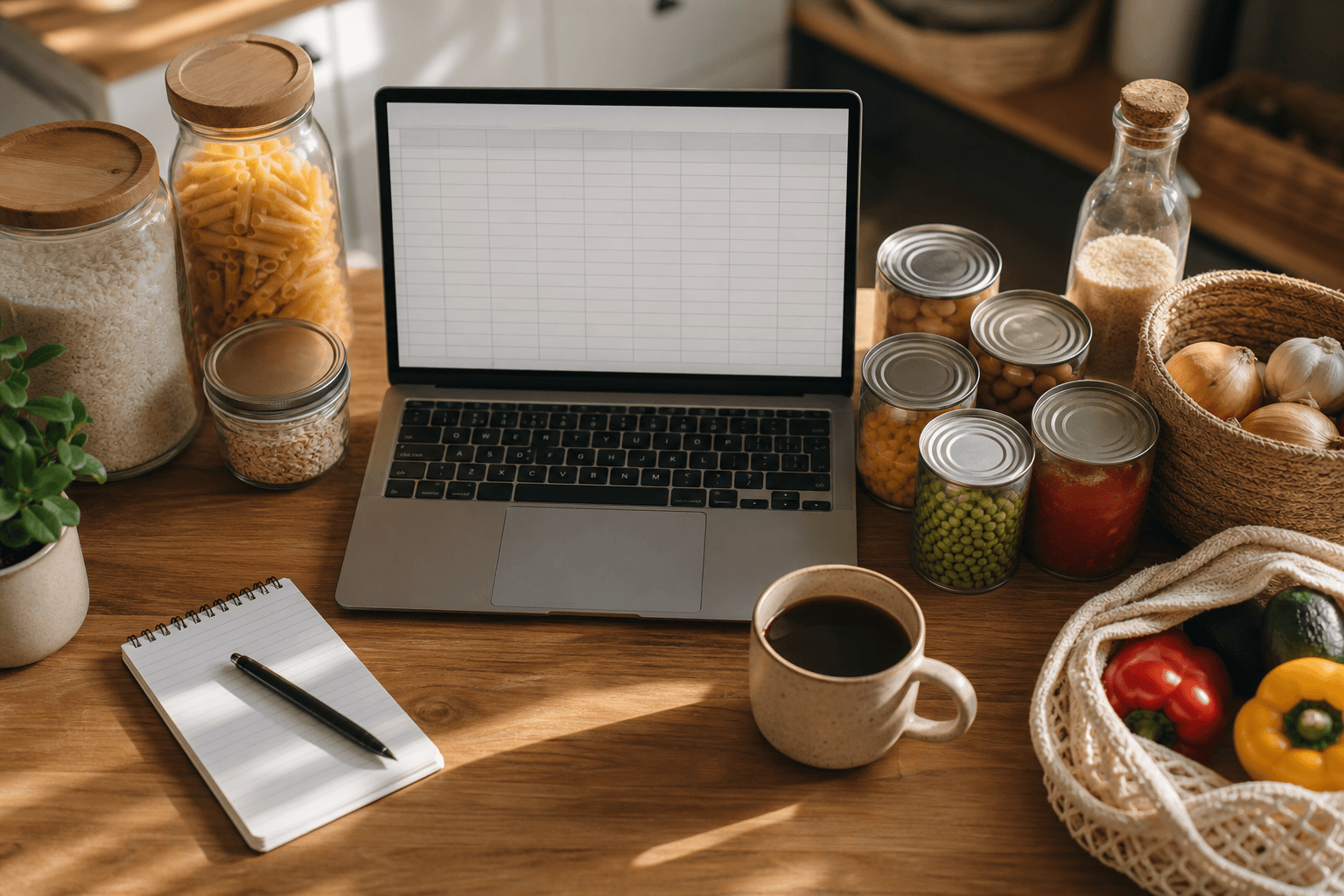
A spreadsheet is still one of the fastest ways to get a handle on what's in your kitchen, and it costs nothing beyond a Google account you probably already have. Below is the exact setup, a copy-and-paste column layout, and a shelf-life reference so you know how long to keep what you find. If you haven't read our broader guide to the fundamentals of keeping a kitchen inventory, start there for the habits that make any tracking system stick.
What is a pantry inventory template, and do you need one?
A pantry inventory template is just a running list of what food you own, where it lives, and when it needs to be used. Instead of opening the cabinet and guessing, you check a sheet. That sounds small, but it solves two expensive problems at once: buying a third jar of cumin because you forgot you had two, and throwing out canned tomatoes that quietly expired behind the rice.
You don't need one if your pantry fits on a single shelf and you can see everything at a glance. Past that, a spreadsheet earns its keep fast, especially in a household where more than one person shops.
How do you set up a pantry inventory template in Google Sheets?
If you'd rather start from a finished file, the free template at the top of this page imports in one step: download the .xlsx, then in Google Sheets choose File, Import, and upload it. There's a .csv version too if you prefer. To build your own from scratch instead, here's the whole setup.
- Open a blank Google Sheet. Go to sheets.google.com and start from scratch, or search Google's own template gallery for "inventory" if you want a head start on formatting.
- Add your columns. Use the layout in the table below as a starting point, then adjust for how your pantry is actually organized.
- Freeze the header row. Click row 1, then View > Freeze > 1 row, so your column names stay visible as you scroll.
- Turn category and location into dropdowns. Select the column, go to Data > Data validation, choose "Dropdown," and type in your options (Pantry, Freezer, Fridge, Spice rack, Garage shelf). This keeps everyone entering data the same way instead of typing "canned goods" one time and "cans" the next.
- Color-code expiration dates. Select the expiration date column, go to Format > Conditional formatting, and set a custom formula rule such as one color for dates within 30 days and another for dates already past. Anything red or orange is what you cook with first.
- Add a par level column and a low-stock flag. Par level is just the minimum quantity you want on hand. A formula like quantity < par level, formatted to color the row, turns your sheet into a passive shopping list.
- Share it with your household. Click Share, add anyone who shops or cooks, and give them edit access. A pantry inventory only works if everyone updates it, not just the person who built it.
That's the whole build. The habits around it matter more than the formulas, and it's worth reading up on those if you haven't already looked at general pantry inventory tracking habits.
What columns should your pantry inventory template include?
Keep it lean. A template with twenty columns gets abandoned by week two. If you also want a recipe book, there is a Google Docs recipe book template. The layout below covers what you need without becoming a chore.
| Column | What goes in it | Example |
|---|---|---|
| Item | Product name | Canned black beans |
| Category | Pantry, freezer, fridge, spice | Canned goods |
| Quantity | Number of units on hand | 3 |
| Unit | Can, box, bag, pound | Can |
| Location | Shelf or cabinet | Pantry, top shelf |
| Purchase date | When you bought it | 6/2/2026 |
| Expiration date | Best-by or use-by date | 6/2/2028 |
| Par level | Minimum you want on hand | 4 |
| Notes | Brand, recipe use, substitution | Use in chili |
If your pantry and fridge are large enough to track separately, it's worth keeping fridge items on their own tab or sheet rather than mixing them in, since perishables need a shorter check-in cycle. Our guide to tracking what is in your fridge covers that side of things in more depth.
How long does pantry food last?
This is where a spreadsheet earns its usefulness. Most pantry waste happens because food gets pushed to the back and forgotten past a reasonable use window, not because it has gone bad. The table below is a general reference for common shelf-stable staples, based on USDA guidance.
| Food | Typical pantry shelf life | Storage tip |
|---|---|---|
| White rice | About 2 years | Airtight container, cool and dry |
| Brown rice | About 1 year | Natural oils turn rancid faster; refrigerating extends it |
| White flour | 6 to 12 months | Freezing extends shelf life further |
| Whole wheat flour | 3 to 6 months | Natural oils turn rancid faster; freezing extends it |
| Whole spices | About 2 years | Keep away from stove heat and light |
| Ground spices and dried herbs | About 1 year | Replace when color fades or smell weakens |
| Canned low-acid foods (beans, vegetables, meat) | Typically 2 to 5 years unopened | Store below 85°F; skip any can that is dented or bulging |
| Canned high-acid foods (tomatoes, fruit) | 12 to 18 months unopened | Rotate the oldest cans to the front |
These are quality windows, not hard safety cutoffs. Properly stored, sealed shelf-stable food rarely turns dangerous. It mostly just loses flavor and texture over time. When in doubt on a specific product, the FoodKeeper app from USDA and Cornell has storage times for more than 400 individual foods.
How do you keep a spreadsheet pantry inventory updated?
The setup is the easy part. The habit is what determines whether the template survives past week three. A few things that help:
- Update it right when groceries come in, not later. Bags are already open on the counter, so add rows while you put things away.
- Do a two-minute Sunday check before you write a grocery list. Scan the red expiring-soon rows for anything you need to use up.
- Keep the sheet bookmarked on your phone so you can update it without opening a laptop.
- Delete rows once an item is gone instead of zeroing out the quantity, which just clutters the sheet.
If updating a shared sheet from two different phones starts causing version conflicts or someone forgets to log a purchase, that friction is usually the first sign you've outgrown a manual spreadsheet.
When does a spreadsheet stop being enough?
A Google Sheets template is genuinely a good starting point, and plenty of households run one for years without issue. Where it tends to break down is expiration tracking at scale (nobody enjoys manually recalculating dates for forty pantry items every week) and recipe matching, since a spreadsheet can't tell you what to cook tonight with what you already own.
That's the gap a dedicated tool fills. We built Well Stockd to pick up where a spreadsheet leaves off. It tracks expiry automatically, flags what's about to go bad, and matches what's in your kitchen against thousands of recipes, so you know what to cook instead of guessing. If your pantry sheet is starting to feel like a second job, our comparison of pantry inventory apps can help you decide if switching makes sense for your household.
When two people edit the same sheet
Sharing a Google Sheet with edit access is the right instinct and the wrong tool. Two phones editing the same rows is where the version conflicts start, and the person who forgets to log a purchase is never the person who notices.
Household sync is built for that. One Pro account creates the shared kitchen, and the inventory, the favorites and the week's plan are the same on every phone, with no file to pass around. Planning runs off the same inventory: you pick the week from what you already own and the shopping list writes itself from the gaps, so whoever is at the store is shopping the real list. Both are Pro, $7.99 a month or $79 a year, with a 7-day trial that begins when you confirm your email, no card needed.
Put the sheet down and share one kitchen instead. Free for 7 days, no card needed. Start the free trial
Frequently asked questions
Do I need a Google account to use a pantry inventory template?
Yes, but a free one works fine. Google Sheets is free with any Google account, including the mobile app, so there's nothing extra to buy for this.
Can I turn a pantry inventory template into a shopping list automatically?
Not automatically without some formula work, but you can get close. A conditional formatting rule that flags rows where quantity falls below par level effectively turns your inventory into a running shopping list, since anything flagged is what you're low on.
Is a spreadsheet better than a pantry inventory app?
It depends on how much manual upkeep you want. A spreadsheet is free and fully customizable, but every update, expiration check, and recipe match is on you. An app automates expiration tracking and can match your inventory to recipes, which matters more the bigger your household or pantry gets.
Sources: USDA FSIS, Shelf-Stable Food Safety, FoodKeeper App, FoodSafety.gov