Best app to track leftovers in your fridge: 7 options compared
We compared seven apps people use to track fridge leftovers on free tier, expiry alerts, recipe matching, and family sync, then ranked them honestly, trade-offs included.
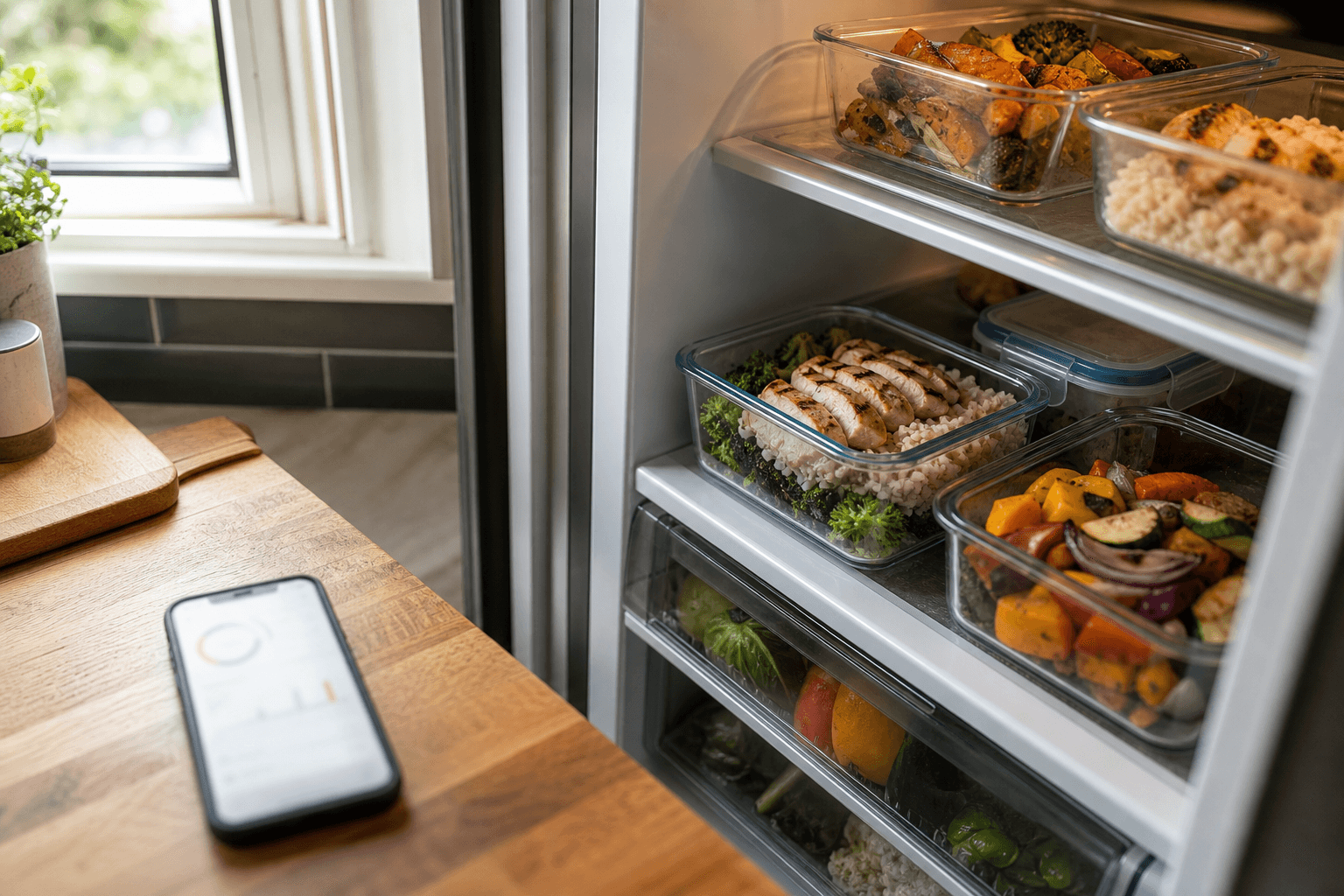
The best free app for tracking fridge leftovers in 2026 is Well Stockd: its free tier logs full inventory, matches what you have against a 3,900-recipe catalog, and builds your shopping list. You don't need a card to try Pro. Honest runner-up: KitchenPal, whose free plan bundles automatic expiry alerts most competitors charge for.
If your actual problem is "the leftover chicken went bad and nobody noticed," you want an app that does two things well: keeps a live list of what's in the fridge, and tells you when something on that list is running out of time. Not every app people recommend for this does both. Here's how seven well-known names stack up, and where Well Stockd honestly fits into that picture.
How we compared
We reviewed each app's current official website, App Store or Google Play listing, and published pricing page in July 2026, then scored them against four things a leftovers-tracking app specifically needs to do: let you log what is on hand without hitting a paywall immediately, flag or sort items by expiration date, connect what is in the fridge to an actual recipe rather than a wish list, and let more than one person in the household see and update the same list. We did not rely on old reviews or app-store blurbs alone. We checked the developers' current feature pages against those four criteria.
How do the top leftover-tracking apps compare at a glance?
| App | Free tier | Expiry alerts | Recipe match | Family sync |
|---|---|---|---|---|
| Well Stockd | Full workflow free: inventory, 3,900+ recipe catalog, shopping list, 2 custom lists, unlimited own recipes | Tracks each item's date and flags what's about to expire, right in the app | Yes, matches inventory to the full recipe catalog plus smart substitutions | Pro only, from $7.99/mo |
| KitchenPal | Yes, capped at 100 items | Yes, automatic | Yes, tied directly to inventory | Yes, included free |
| Pantry Check | Yes, capped at 200 items | Yes, automatic reminders | No, inventory tracker only | Paid tier only |
| NoWaste | Yes, 6 lists and 500 items | Sorts and flags by date, no confirmed push alerts | Limited, a newer addition | Multi-device sync, no dedicated household mode found |
| AnyList | Yes, core list and recipe features | No dedicated expiry tracking | Recipe box and meal plan, not on-hand matching | Yes, real-time shared lists, its signature feature |
| Paprika | Android free version capped at 50 recipes, otherwise a paid app sold per platform | Manual date field only, no alerts | No, recipe manager rather than ingredient matcher | Shared login only, not separate per-user accounts |
| Mealime | Yes, basic plan | None, no inventory feature | Meal plans, not on-hand matching | No |
| SuperCook | Yes, fully functional, no ads | None, no quantities or expiration dates tracked | Yes, huge database matched to listed ingredients | No |
A closer look at each app
SuperCook
Switching from SuperCook? See how Well Stockd compares
SuperCook is a recipe search engine built around one clever trick: pick from a list of ingredients you have, and it only shows you recipes you can make with them, pulled from a database that, by its own count, spans more than 11 million recipes across thousands of sites. It genuinely earns its reputation for the "what can I make with this" moment, and the free version works fully with no ads. Where it falls short as a leftovers tracker is that the pantry list has no quantities and no expiration dates attached, just a checklist of what you have on hand. Nothing reminds you the chicken thighs have been sitting there since Tuesday.
KitchenPal
KitchenPal is closer to a true pantry tracker. You log items into fridge, freezer, and pantry sections. It flags what is close to expiring and suggests recipes tied directly to what you have in stock. Free household sharing is genuinely rare among this group and worth crediting. The trade-off is a 100-item cap on the free tier, which is tight for a fully stocked kitchen, and features like extended barcode scanning and meal planning sit behind a subscription.
Pantry Check
Switching from Pantry Check? See how Well Stockd compares
Pantry Check does one job cleanly: a barcode-backed inventory with automatic expiration reminders and real-time sync, organized however you want (fridge, pantry, garage, wherever). The free tier tracks up to 200 items, which covers plenty of households. The catch is that family sharing is a paid-tier feature, and there is no recipe matching at all. This is an inventory app, not a "what should I cook" app.
NoWaste
Switching from NoWaste? See how Well Stockd compares
NoWaste covers freezer, fridge, and pantry lists with barcode, receipt, and photo scanning, and you can sort everything by expiration date. The free tier allows six lists and 500 items, generous for this category, and the app added a recipe page in a recent update. What is less clear from the app's own materials is whether it sends proactive alerts as items near their date, versus letting you check a sorted list yourself, and family sharing looks more like device-level sync than a dedicated household mode.
AnyList
Switching from AnyList? See how Well Stockd compares
AnyList's whole reason for being is the shared grocery list: add an item on your phone and your partner sees it checked off in real time. That sync is faster than anything else on this list. It also holds a recipe box and a meal-planning calendar. What it is not built for is expiry tracking. There is no dedicated pantry inventory with dates and alerts, so if unnoticed leftovers going bad is your actual problem, AnyList is solving a different one well.
Paprika
Switching from Paprika? See how Well Stockd compares
Paprika is primarily a recipe manager: clip recipes from any site, plan meals on a calendar, generate a grocery list from the plan. It does have a pantry list where you can record quantity and expiration date per item, but nothing proactively alerts you. You have to go look. "Family sharing" here means everyone logs into the same Paprika Cloud Sync account rather than each person having a separate identity, which works but is a real trade-off if you want to know who added what. It is also sold per platform rather than through one subscription.
Mealime
Switching from Mealime? See how Well Stockd compares
Mealime plans your week and builds a grocery list around recipes you pick, and it is a solid, calm meal-planning app for that job. But it has no concept of what is already in your fridge. It cannot tell you the sour cream is about to turn because it does not track a pantry at all, so it is not really a competitor in the leftovers-tracking category, more a neighbor worth knowing about if meal planning is your bigger problem.
Well Stockd, where it wins and where it does not
Well Stockd ranks first here mainly because of what its free tier includes. Where NoWaste, KitchenPal, and Pantry Check all cap free inventories at a few hundred items and then paywall recipe suggestions or full scanning, Well Stockd's free plan already logs your fridge and pantry by item, quantity, and unit, matches that against a catalog of more than 3,900 recipes, and turns whatever you are short on into a shopping list, down to one-tap add to a Walmart cart. Cook mode ends with a review step that deducts what you actually used, and smart substitutions step in when you are missing something, all on the free plan.
Where it does not win: household sharing, the exact feature a lot of people searching for a leftovers app need, sits behind Pro ($7.99 a month or $79 a year, with a 7-day trial that does not require a card). KitchenPal and AnyList both offer some form of shared access on a free plan, so if a shared account at zero cost is the single deciding factor for your household, one of those may fit better today. Well Stockd also does not lead with barcode or receipt scanning the way NoWaste and Pantry Check do. You add items by typing, by a one-product-at-a-time barcode scan, or by voice (a limited number of fills each month on Free, a larger allowance on Pro), which suits people who cook a lot of unpackaged produce and homemade leftovers but asks more of you upfront than a scan. And as a newer app, it has a shorter public track record than long-running names like AnyList or Paprika. What it trades those things for is a recipe catalog that goes past a search index and connects to a full cooking workflow. For the pricing and free-tier details across the market side by side, our comparison of the best app to track food expiration dates breaks it down further.
Which leftover-tracking app fits your kitchen?
- Want the fullest free experience, recipe matching and a shopping list included, at no cost: Well Stockd's free tier.
- Free household sharing is non-negotiable and a 100-item cap does not bother you: KitchenPal.
- Your main pain point is a shared grocery list with a partner or roommate, and expiry dates are secondary: AnyList.
- You already know what is in the fridge and just want ideas for what to cook with it tonight: SuperCook.
- Barcode scanning and expiration reminders matter more to you than recipes: Pantry Check or NoWaste.
- You stash a lot in the freezer too and want reminders that cover all three zones, not just the fridge: see our guide to the fridge, pantry, and freezer inventory app with expiry reminders.
- Recipe matching specifically is what you care about most: our deeper comparison of the app to track food in your fridge and suggest recipes goes further on that one feature alone.
For the wider category, including apps and methods we did not cover in this specific comparison, start with our pantry inventory app guide.
Plan the week from what is already there
Knowing what you own is the setup. The payoff is the week: the planner fills Monday to Sunday from the food already in your kitchen, and the shopping list writes itself from whatever is still missing. You stop deciding dinner at five o'clock, and the thing closest to its date gets cooked first instead of thrown out on Sunday. The planner is part of Pro, $7.99 a month or $79 a year, with a 7-day trial that starts when you add your first three fresh foods, no card needed. The catalog, the inventory and the shopping list stay free.
Plan next week from your own shelves. Free for 7 days, no card needed. Start the free trial
Frequently asked questions
Is there a truly free app for tracking fridge leftovers? Yes. Well Stockd, KitchenPal, Pantry Check, NoWaste, AnyList, and SuperCook all have free tiers that work without a subscription, though several cap the number of items or lock recipe matching and family sharing behind a paid plan.
Do expiry-alert apps cut down on food waste? Only if you keep the inventory current. Apps that log a date when you add an item and then sort or flag what is close, like KitchenPal, Pantry Check, and Well Stockd, remove the guesswork of remembering, but none of them replace the habit of updating the list when you shop or cook. The USDA notes most cooked leftovers stay safe in the fridge for three to four days, which is the exact window these apps are built to help you not miss.
Can I track leftovers without scanning barcodes? Yes. Well Stockd and Paprika both rely mainly on typed entry, and Well Stockd also takes voice entry (a limited number of fills each month on Free, a larger allowance on Pro) and a one-product-at-a-time barcode scan, which suits people who cook a lot of unpackaged food, produce, and homemade leftovers that never had a barcode to begin with.
Sources:
Track it in Well Stockd
Add what you have, see what you can cook tonight, and get a reminder before anything goes off.
