The best automatic meal planner apps in 2026, compared
We compared eight automatic meal planner apps, including Well Stockd, SuperCook, KitchenPal, Paprika, AnyList, Mealime, NoWaste, and Pantry Check, on free tier, expiry alerts, recipe matching, and family sync to find which one plans your week for you.
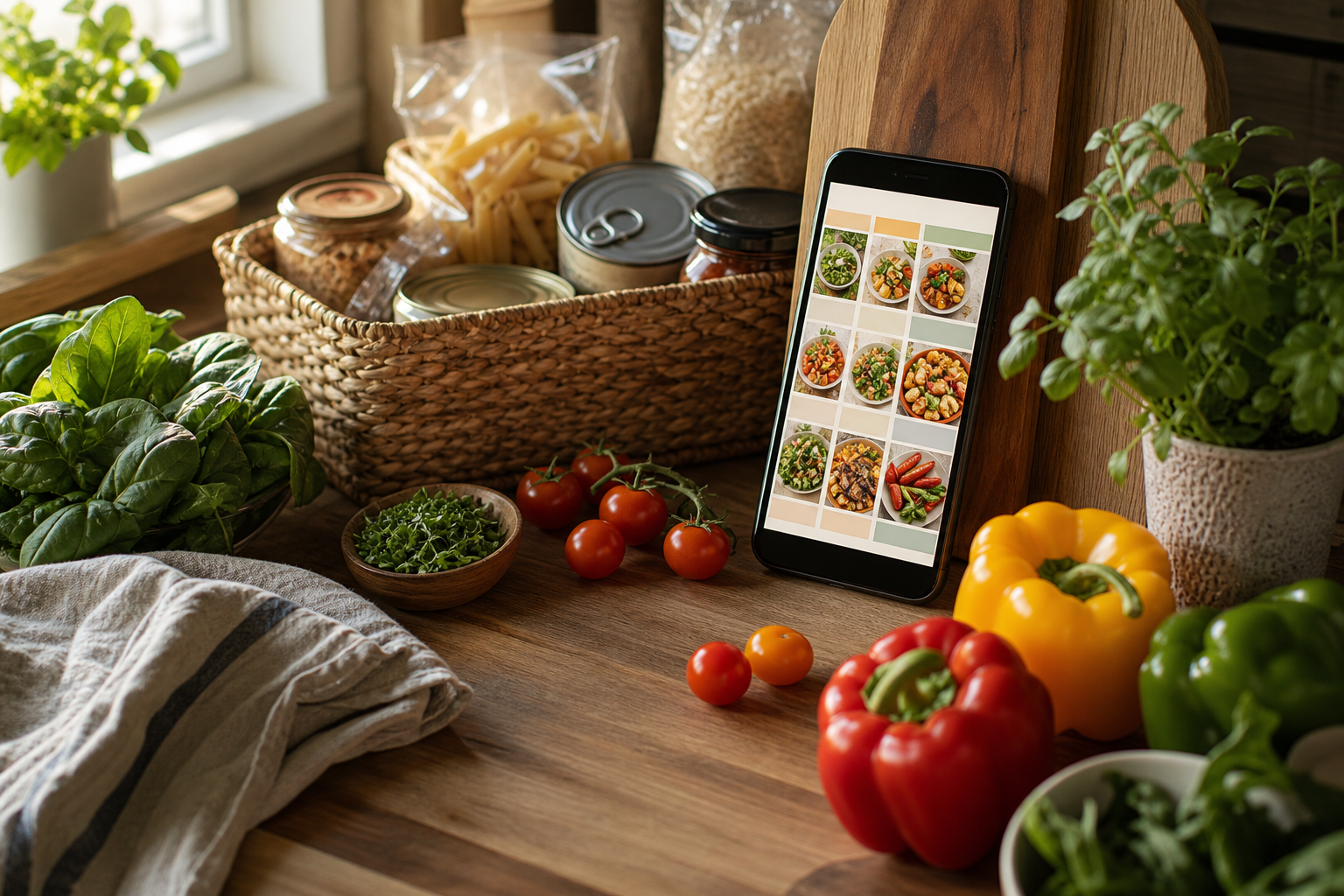
Well Stockd is the best automatic meal planner app in 2026 for people who already track a fridge and pantry, since it builds the week from the food you already own. Mealime is the honest runner-up: a free, zero-setup weekly plan for anyone who would rather skip inventory tracking.
How we compared
We looked at eight apps that show up when people search for an automatic meal planner: Well Stockd, SuperCook, KitchenPal, Paprika, AnyList, Mealime, NoWaste, and Pantry Check. For each one, we checked the official website and current App Store or Google Play listing in July 2026 for four things: what the free tier includes, whether the app tracks expiration dates and sends alerts, whether it matches recipes against ingredients you already own rather than just a favorites list, and whether more than one person in a household can share the same list or inventory in real time. We did not purchase every premium tier ourselves, so pricing and feature claims below reflect what each company publishes. Prices and free-tier limits change, so double-check the app's own page before you commit.
Automatic meal planner apps at a glance
| App | Free tier | Expiry alerts | Recipe match to what you own | Family sync | Auto weekly plan |
|---|---|---|---|---|---|
| Well Stockd | Yes, forever (capped at 2 lists; unlimited custom recipes) | Yes | Yes, full 3,900+ recipe catalog | Pro only | Pro only, built from your inventory |
| SuperCook | Yes, entirely free | No | Yes, core feature | No | No, it is a recipe finder |
| KitchenPal | Yes, up to 100 items | Yes | Yes, linked to your pantry | Yes | Premium only |
| Paprika | No, one-time $4.99 per device | Manual dates only, no push alerts | Manual, not automatic | Shared login only | Manual calendar, not automatic |
| AnyList | Basic list only | No | No | Yes | Manual calendar, not automatic |
| Mealime | Yes, solid free tier | No | No, preference based | No | Yes, from your diet and household size |
| NoWaste | Yes, up to 500 items | Yes | Yes, basic suggestions | Yes | No, suggestions rather than a full plan |
| Pantry Check | Yes, up to 200 items | Yes | Not a core feature | Yes | No |
A closer look at each app
SuperCook
Switching from SuperCook? See how Well Stockd compares
SuperCook is free with no subscription tier at all, and the recipe matching is genuinely its whole product: pick from roughly 2,000 ingredients and it shows you what you can cook right now from a claimed library of over 11 million recipes. What it will not do is warn you when something is close to spoiling or give your household a shared plan, so it works best as a quick lookup tool rather than a weekly system.
KitchenPal
KitchenPal bundles pantry tracking, barcode scanning against a database of more than 5 million products, expiry alerts, and real-time family sharing into one free app. The free tier caps you at 100 items, though, and meal planning itself sits behind the $3.99 a month (or $29.99 lifetime) premium tier, so the automatic part of "automatic meal planner" isn't free here.
Paprika
Switching from Paprika? See how Well Stockd compares
Paprika is the recipe-manager veteran: a built-in web clipper for saving recipes, a manual pantry with quantities and expiration dates you enter yourself, and a meal-planning calendar you fill in by hand. Nothing about the plan generates automatically. It is also sold per platform as a one-time purchase, $4.99 on phone and $29.99 on desktop, so a household using phone, tablet, and desktop pays for each separately.
AnyList
Switching from AnyList? See how Well Stockd compares
AnyList is built around a shared, real-time grocery list first and meal planning second. The Complete tier ($9.99 a year for one person, $14.99 a year for a household) adds a meal-planning calendar and recipe import from the web, but there is no engine matching recipes to what you already own and no expiry tracking, so it will not flag food that is about to go bad or build a week for you automatically.
Mealime
Switching from Mealime? See how Well Stockd compares
Mealime is the best pure "generate a plan and do not make me think" free option on this list. Pick a diet and a household size, and it builds a weekly plan with a matching grocery list, without any pantry setup. The trade-off is that it plans around your stated preferences, not what is already in your kitchen, so it can send you shopping for things you already have.
NoWaste
Switching from NoWaste? See how Well Stockd compares
NoWaste is a focused, well-built inventory app: free for up to 500 items and 6 lists, expiry alerts as a core feature rather than an add-on, real-time sharing across household devices, and basic recipe suggestions pulled from what is currently in stock. It stops short of a true weekly planner, though. It is closer to a "use this before it spoils" prompt than a full meal-planning system.
Pantry Check
Switching from Pantry Check? See how Well Stockd compares
Pantry Check gives you real-time family sharing and automatic expiration reminders free for up to 200 items, then $12 a year for 2,000 items or $29.99 a year for 10,000. Its strength is inventory and shopping-list math, including running totals and estimated costs, not recipe matching or a built-in meal plan.
Well Stockd, where it wins and where it does not
Where it wins:
- Well Stockd builds the weekly plan from your actual fridge, freezer, and pantry, not a generic template, so it works through food before that food expires instead of adding to the pile. If tracking expiration dates specifically is your main goal, our app to track food expiration dates guide covers that in more depth.
- The free tier is not just a trial run. It includes the full 3,900+ recipe catalog, can-make-now matching against your real inventory, a shopping list with one-tap Walmart checkout, and cook mode with a review step that deducts what you used, all at no cost.
- Household sharing on Pro puts everyone on one shared inventory, list, and plan, so a partner adding groceries or checking off a shopping list updates things for the whole house instantly.
- Smart substitutions suggest what to use instead of a recipe's exact ingredient list, based on what's in stock, which cuts down on last-minute store runs.
Where it does not win:
- The automatic weekly planner and household sharing both sit behind Pro, $7.99 a month or $79 a year with a 7-day free trial that doesn't require a card, the same pattern KitchenPal and AnyList Complete use for their planning features.
- The free tier caps you at 2 custom lists, with unlimited own recipes, so heavy list-makers will hit that one ceiling before long.
- Inventory entry on the free tier is typed, scanned one product at a time, or spoken in a limited number of voice fills each month, and Pro raises the voice allowance, so getting an accurate plan takes more upkeep than a barcode-scanning app like KitchenPal or NoWaste until you upgrade.
- It is a newer app on a newer domain, so it does not carry the decade-plus of user reviews that Paprika or AnyList have built up.
Which automatic meal planner app should you pick
- Want the plan to also empty out your fridge before things spoil? Well Stockd.
- Want free forever with zero pantry setup, just pick a diet and go? Mealime.
- Already know what ingredients you want to use and just need recipe ideas without committing to an ongoing plan? SuperCook. If you would rather have that same idea tied to an actual fridge inventory instead of a one-off search, see our app to track food in fridge and suggest recipes guide.
- Care more about a shared, real-time grocery list than the meal plan itself? AnyList.
- Want barcode scanning and expiry alerts and can live without recipe matching? NoWaste or Pantry Check. For a broader look at fridge, pantry, and freezer apps built around expiry reminders, see fridge, pantry, and freezer inventory app with expiry reminders.
- Own physical cookbooks and clipped recipes and would rather pay once than subscribe? Paprika.
- Want pantry tracking, recipe ideas, and planning bundled into one app and do not mind a monthly fee? KitchenPal.
For the wider category beyond meal planning specifically, our best pantry inventory app guide compares apps on inventory tracking as the main job.
Plan the week from what is already there
Knowing what you own is the setup. The payoff is the week: the planner fills Monday to Sunday from the food already in your kitchen, and the shopping list writes itself from whatever is still missing. You stop deciding dinner at five o'clock, and the thing closest to its date gets cooked first instead of thrown out on Sunday. The planner is part of Pro, $7.99 a month or $79 a year, with a 7-day trial that starts the moment you confirm your email, no card needed. The catalog, the inventory and the shopping list stay free.
Plan next week from your own shelves. Free for 7 days, no card needed. Start the free trial
Frequently asked questions
Is there a completely free automatic meal planner app? Yes. SuperCook and Mealime both work without any subscription: SuperCook for on-demand recipe matching from ingredients you already have, and Mealime for an auto-generated weekly plan built around your diet and household size. Well Stockd's free tier also includes full recipe matching against your real inventory, though the automatic weekly planner itself requires Pro.
Do any of these apps plan meals around food that is about to expire? Well Stockd is the only app in this comparison that builds its automatic weekly plan directly from your tracked inventory, so items closer to their expiration date factor into what gets suggested. NoWaste, KitchenPal, and Pantry Check track expiry dates and alert you, but none of them turn that into a full auto-generated week. You still have to act on the alert yourself.
Can a whole household use one plan together? KitchenPal, AnyList, NoWaste, Pantry Check, and Well Stockd on Pro all support real-time sharing, so everyone in the house sees the same list or inventory update as it happens. Paprika supports this too, but only by having each family member log into the identical account rather than separate linked profiles.
Updated July 2026.
Track it in Well Stockd
Add what you have, see what you can cook tonight, and get a reminder before anything goes off.
