The best pantry app with a barcode scanner and expiration dates
We compared SuperCook, KitchenPal, Paprika, AnyList, NoWaste, and Pantry Check on barcode scanning, expiration alerts, and family sync, then checked where Well Stockd fits in.
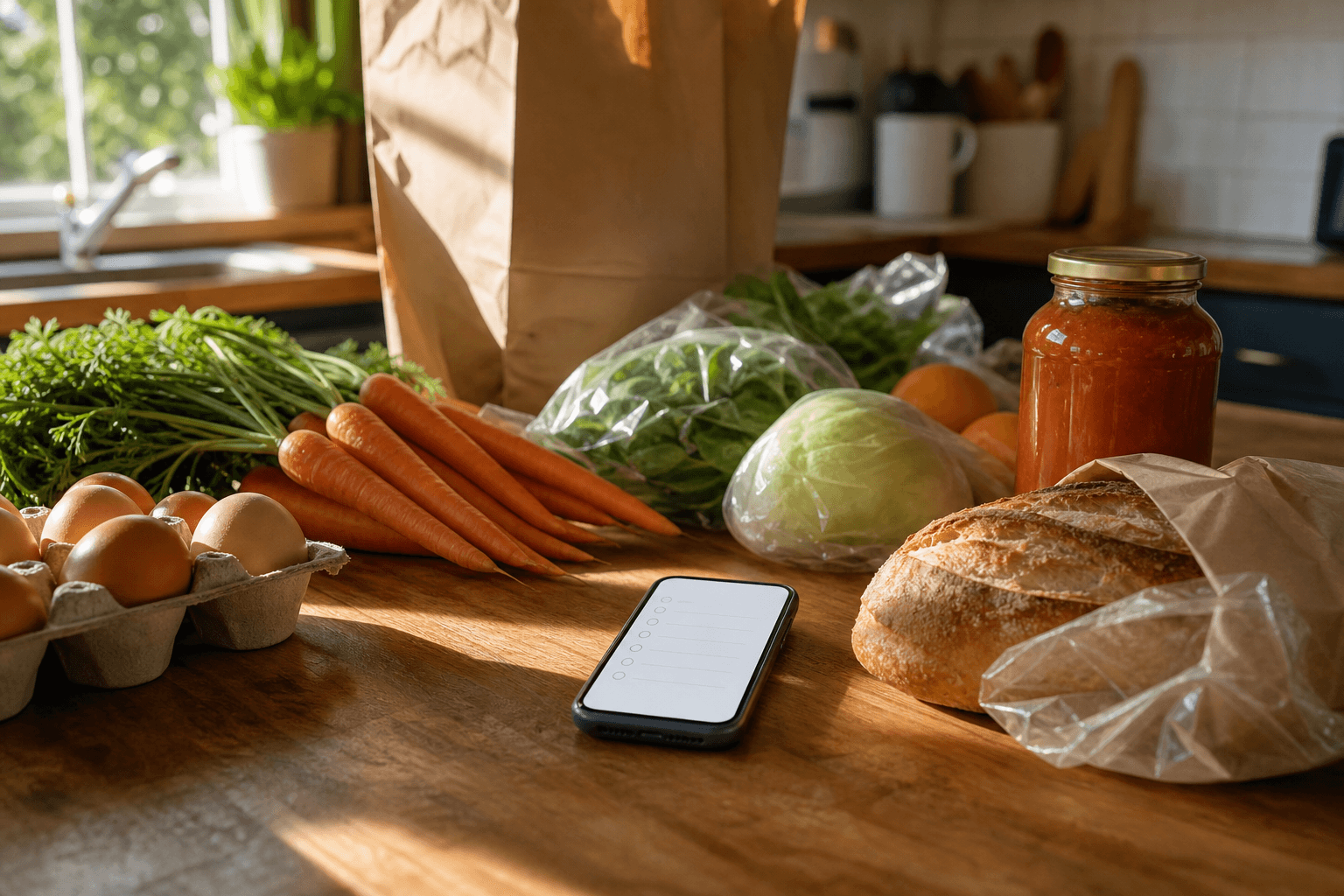
For a genuine barcode scanner paired with expiration alerts, KitchenPal is the strongest free pick, and NoWaste is a close second on scanning speed. Well Stockd has both: a barcode scanner that takes one barcode after another with one review of the batch, and best-by dates on your inventory with email reminders on by default once you confirm your email and opt-in browser push. It also uses voice capture and auto-deduction, and we explain the trade-offs honestly further down.
How we compared
We checked each app's official site, its App Store or Google Play listing, its current pricing page, and its help documentation on October 23, 2026, for four things: whether barcode scanning is a real built-in feature and not just a shopping-list convenience, whether logging an expiration date actually triggers an alert, whether the app suggests recipes from what you have already logged rather than a generic menu, and whether more than one household member can see and edit the same list. For Well Stockd, which we build, we checked the live product and its published pricing page directly rather than relying on a store listing.
Pantry apps with barcode scanners and expiration dates, compared
| App | Barcode scanner | Free tier | Expiration alerts | Recipe matching from pantry | Family sync |
|---|---|---|---|---|---|
| SuperCook | No | Yes | No | Yes, its core feature | No |
| KitchenPal | Yes | Yes | Yes | Yes | Yes, shared lists |
| Paprika | Not in Paprika 3; mobile pantry scanning in the Paprika 4 open beta | Free on Android up to 50 recipes; $4.99 on iOS | Manual date field only | No, recipe manager first | One shared account in Paprika 3; family logins in the Paprika 4 beta |
| AnyList | No | Yes | No | Limited, recipe box only | Yes, real-time |
| Mealime | Not applicable | Closed October 21, 2026 | Not applicable | Not applicable | Not applicable |
| NoWaste | Yes | Yes | Yes, customizable on Pro | Limited | Yes |
| Pantry Check | Yes | Yes | Yes, automatic | Not a focus | Yes, real-time |
| Well Stockd | Yes, one barcode after another with one review of the batch | Yes, $0 forever | Yes, email reminders on by default once you confirm your email, plus opt-in browser push | Yes, more than 3,800 recipes | Household kitchen on Pro; Free shares a shopping list with one other person |
SuperCook
Switching from SuperCook? See how Well Stockd compares
SuperCook matches recipes to typed-in ingredients, and it is one of the best free tools for turning a random list into a meal. Enter what you have and it ranks recipes by how close you are to making them, then shows what one more ingredient would unlock. It saves your pantry as a list of ingredient names, but that is all it keeps: there is no barcode scanner, no expiration tracking, and no quantity, so nothing tells you what is about to go off.
KitchenPal
KitchenPal is the closest thing to an all-in-one pick on this list. Its barcode scanner draws on a library of millions of products, it sets expiration alerts for many items automatically, and it suggests recipes from what you have logged. Shared grocery lists sync between household members too. The free tier covers up to 100 items with 50 barcode scans; unlimited scanning and uploading your own recipes sit behind Premium, from $3.99 a month.
Paprika
Switching from Paprika? See how Well Stockd compares
Paprika is a recipe manager first, and its pantry is a bonus feature, not the point of the app. You can log quantity, purchase date, and expiration date by hand, and Paprika will leave those items off a generated grocery list, which is genuinely useful. Paprika 3 has no barcode scanner and no push alert when something is about to expire; you have to open the app and look. The Paprika 4 open beta adds pantry barcode scanning on mobile, and Paprika says premium features will need a subscription after the beta. It is sold as a one-time purchase per platform, $4.99 on iOS and $29.99 on Mac or Windows, not a subscription; on Android it is free up to 50 recipes, with the full version unlocked in the app.
AnyList
Switching from AnyList? See how Well Stockd compares
AnyList does not list a barcode scanner or expiry tracking among its features (AnyList features); its strength is a grocery list with real-time sharing that a household actually uses day to day. Where it is thinner is recipe-to-pantry matching: you can save and import recipes and send their ingredients straight to a list, but AnyList will not look at what is already in your kitchen and suggest what to cook with it. A free version covers most of this; AnyList Complete runs $9.99 a year for one person or $14.99 for a household.
Mealime
Switching from Mealime? See how Well Stockd compares
Mealime closed on October 21, 2026, so it is no longer an option. It generated a week of menus and a matching grocery list from your preferences rather than from a pantry. Mealime said its recipes would continue in Meals Hub, inside Albertsons Companies store apps (Mealime's closing notice).
NoWaste
Switching from NoWaste? See how Well Stockd compares
NoWaste leans hardest into scanning of anyone on this list. Point the camera at a barcode, a receipt, or the food itself and it logs the item and categorizes it, and on Pro it sends expiry reminders a chosen number of days ahead. Household sharing is free. The free plan covers lists for one location, and its barcode database holds 600,000+ local products; Pro is $6.99 a year and adds unlimited items and a database of 4 million products.
Pantry Check
Switching from Pantry Check? See how Well Stockd compares
Pantry Check pairs a barcode scanner with automatic expiration reminders and real-time sync between household members signed into the same account, which is close to the workflow most families actually want: one person scans the groceries, everyone sees the same list. Two hundred items are free before a subscription is needed. Recipe suggestions are not really what it is built for.
Well Stockd, where it wins and where it does not
We build Well Stockd, so read this as an interested party's honest case, not a neutral one, and weigh the trade-offs below yourself.
Every app above treats the job as cataloging what you own. Well Stockd treats it as eating what you own before it goes bad. The free tier includes the full catalog of more than 3,800 recipes matched against your actual inventory, plus a shopping list that already knows what is in your kitchen. Cook mode is free and keeps the screen awake, and when you finish, a review step deducts what you actually used, so the list stays close to accurate without extra bookkeeping. The hands-free cook assistant, a Pro feature, reads steps, answers questions, runs timers and logs the cook when you are done. Pro costs $7.99 a month or $79 a year, with a 7-day free trial. Free includes a few voice fills a day, and Pro raises the allowance (putting away groceries means saying what is in your hands instead of typing it). Pro also adds auto-planning and planning ahead (Free plans the current week by hand) and household sharing, so one subscription covers the whole family.
The Kitchen tab's Scan barcode option is on the free plan and takes one barcode after another with one review of the batch, and receipt photos and forwarded receipts or Walmart order emails work on Free too, but the scanner looks the name up in a community catalog, so some barcodes come back with no match. Most groceries are not eaten as a whole retail unit. You use half an onion and a cup of flour, so a scan confirms a package entered the house without telling you what is left of it, and you set the amount yourself. If a scanner is the specific feature you are shopping for, compare KitchenPal, whose database lists more than 5 million products. Expiration dates are there, and email reminders are on by default once you confirm your email: every item can carry a best-by date, estimated if you do not enter one, and you can turn the emails off in Settings or add opt-in browser push, sent on the best-by date or up to 7 days before. On an iPhone, browser push works only once Well Stockd is added to your Home Screen. Beyond that, Well Stockd leans on recipe matching to surface what you already have before it goes to waste. And it is a web app you install to your home screen, not a listing in the App Store or Play Store, which matters if that is how you prefer to find and manage the apps you use.
Which pantry app should you pick?
| If you mainly want | Consider |
|---|---|
| The best barcode scanner paired with automatic expiration alerts | KitchenPal or NoWaste |
| Real-time family sync built around scanning groceries in | Pantry Check (AnyList syncs lists in real time, but its features page shows no barcode scanner) |
| Recipes from typed-in ingredients, no saved inventory required | SuperCook |
| A recipe manager with an optional manual pantry log | Paprika |
| Weekly meal plans without any pantry tracking at all | Mealime closed on October 21, 2026; see our meal planning app guide |
| A free tool that turns what is already in your kitchen into tonight's dinner, using a finish-cooking review step that deducts what you used, with batch barcode scanning and one review | Well Stockd |
For the wider category, including apps not built around scanning at all, see our guide to the best pantry inventory app. If per-item expiration reminders across the fridge, pantry, and freezer are your main requirement, our guide to fridge, pantry, and freezer inventory apps with expiry reminders covers that ground in more depth. If recipe matching from what is already in your fridge matters more to you than scanning speed, see our guide to apps that track food in your fridge and suggest recipes.
If you cook for more than one person
Tracking the kitchen on one phone solves half the problem. The other half is that one of you shops while the other cooks, and neither can see the shelf from the store. Household sync closes that gap: one Pro account creates a shared kitchen, and from then on the inventory, the favorites, the plan and the list read the same on every phone in the house. Nobody buys the third jar of cumin. It is part of Pro, $7.99 a month or $79 a year, with a 7-day trial that starts once you have confirmed your email, no card needed. The inventory and the expiry tracking stay free either way.
Put the whole house on one kitchen. Free for 7 days, no card needed. Start the free trial
Frequently asked questions
Does Well Stockd have a barcode scanner? Yes. The Kitchen tab has a Scan barcode option on the free plan: point the camera at a package, use a photo of the barcode, or type the digits, scanning one barcode after another with one review of the batch. Receipt photos and forwarded receipts or Walmart order emails work on Free too. You can also type items or use voice capture, with a few voice fills a day on Free and a larger allowance on Pro. Home cooking uses fractions of a package, not the whole units a scanner reads cleanly, so you still set the amount yourself.
Which app has the best free barcode scanner for pantry items? KitchenPal and NoWaste both offer scanning on their free tiers. KitchenPal draws on a larger product database out of the box; NoWaste's customizable expiry reminders come with its $6.99-a-year Pro plan, and it publishes no item cap for its free tier.
Do you need both a barcode scanner and expiration date tracking? Not necessarily. Scanning speeds up logging what came into the house; date tracking tells you when to worry about it. If you mostly forget what you have until it goes bad, an app that turns inventory straight into recipes solves more of that than scanning alone. Our guide to apps that track food expiration dates is a good next stop if per-item dates are still the feature you need most.
Competitor prices and features checked October 23, 2026.
Track it in Well Stockd
Add what you have, see what you can cook tonight, and get a reminder before anything goes off.
