Budget meal planning apps, and the cheaper method behind them
Compare budget meal planning apps side by side, then learn the pantry-first method that shrinks your shop to the gaps.
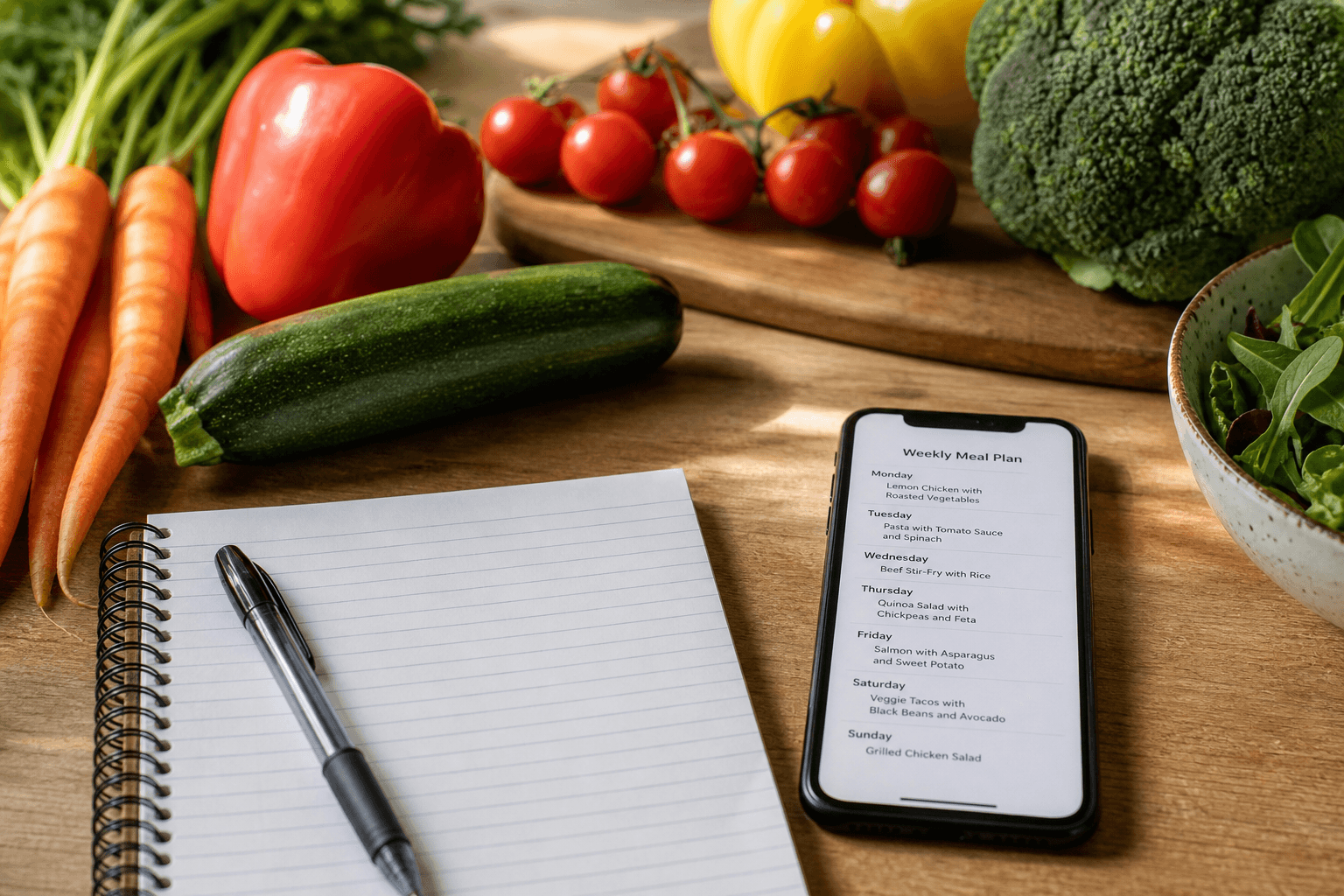
The cheapest meal plan starts with food you already paid for. Plan around what is open in your fridge and cupboard, then shop only the gaps. Most budget meal planning apps skip that step. The method below works on free tools.
Why a cheap meal plan still produces an expensive shop
Cheap recipes do not make a cheap week. A plan written from scratch calls for seven fresh sets of ingredients, so you buy full jars, bags and bunches to use a spoonful of each.
An app that only generates low-cost recipes repeats the same pattern. It cuts the cost per serving on paper while your cupboards quietly fill with duplicates. Anchor each meal on something already open and the shop shrinks to the gaps instead.
The method: plan from the pantry, shop the gaps
First, list what is open or perishable: open jars, half-used vegetables, meat near its date, dairy, bread.
Second, anchor each dinner on one item from it. Rice becomes fried rice. Tortillas become quesadillas. Five anchors cover the week, since two nights can repeat or absorb leftovers.
Third, list the gaps only. If the anchor is rice and eggs, the gap might be spring onions and soy sauce.
An app that shows what you can already cook beats one that starts every week at zero. Read the fuller pantry-first method, the rule for shopping the pantry before the shop, and the bigger version: a pantry and freezer challenge.
Anchoring a week on what is already open
Anchors remove the daily decision: dinner comes from five items that need using. Cook the most perishable anchor first and let rice, beans and frozen goods wait.
If the week is already short, start with meals built to stretch what you have.
Check the free catalog against your own shelves and see how much of the week is already paid for. Start the free trial
Budget meal planning apps compared
The question to ask of each one is whether it keeps a pantry inventory, or whether it is a recipe generator with a shopping list attached. Prices and status are as of September 2026.
| App | Price | Free tier | Planning and list notes |
|---|---|---|---|
| Well Stockd | $7.99 a month or $79 a year, 7-day no-card trial | Free loop: about 3,950 recipes, inventory with expiry, can-make matching, shopping list, cook mode | Planner, household sync and cook assistant are Pro |
| Plan to Eat | $5.95 a month or $49 a year, 14-day no-card trial | No free tier | Trial only, then paid |
| eMeals | $4.99 a month on the 12-month plan, 14-day trial | 14-day free trial | Plans are written for you and push to a store cart, Walmart included |
| SuperCook | Free, no in-app purchases | Free | Reported gaps: no cook mode, no saved custom recipes, no shopping-list generation |
| Samsung Food | Free with ads; Food+ $6.99 a month or $59.99 a year | Free tier with ads | Pantry list carries no quantities |
| Mealime | Pro was $2.99 a month, now free for everyone. Shuts down 2026-10-21, data deleted, no export | Pro free until shutdown | Recipes move into the Albertsons Meals Hub |
None of this depends on where you shop. The method is a list of gaps, so an Aldi budget meal plan works the same way as a Walmart one, and you do not need a store-specific app to run it.
Put your anchors in the planner on the 7-day trial, which takes no card. Start the free trial
Free options, and what each one costs you in effort
The cheapest option on paper is always a free one, so the question is what each free tier leaves you doing by hand. All of this is as of September 2026.
SuperCook is free with no in-app purchases, and the reported gaps are the ones that cost you time: no cook mode, no saved custom recipes, and no shopping list generated from the free tier. Samsung Food is free with ads, but its pantry list carries no quantities, so any gap list you build from it stays approximate. Mealime is free until it shuts down on 2026-10-21, taking all personal data with it and offering no export, which makes it a poor place to start a system this month.
Well Stockd's free tier covers the whole loop: the catalog, inventory with expiry tracking, can-make matching, the shopping list and cook mode, with a limit of 2 lists and a limited number of voice fills each month.
What a planner is actually worth paying for
A planner earns a subscription at the point where it keeps the system running and you do not have to. You will hold a rotation in your head for a week or two. Something else has to hold it for months.
Well Stockd Pro costs $7.99 a month or $79 a year, with a 7-day trial that starts when you confirm your email and needs no card. The planner is the feature this page sells, with household sync behind it: one Pro account creates the shared kitchen. Expiry tracking stays free, so judge the upgrade on the planner alone.
The best budget meal planner for your kitchen is the one whose free tier you are already opening. Run two good weeks on Free first, then trial the planner.
Run the rotation on the planner for a month and see whether it holds better than you do. Start the free trial
A sample week built from a half-empty kitchen
Five days, five anchors, gaps only.
| Day | What was already in the house | What the meal became | What had to be bought |
|---|---|---|---|
| Monday | Open stock, rice, frozen peas | Rice and pea soup | Carrots, celery |
| Tuesday | Tortillas, cheese, salsa | Quesadillas | Sour cream |
| Wednesday | Eggs, softening potatoes, onions | Omelette | Nothing |
| Thursday | Pasta, tinned tomatoes, garlic | Pantry pasta | A lemon |
| Friday | Leftovers, bread | Leftover plates with toast | Nothing |
For more, try these four-ingredient pantry meals and these pantry staples with a list included.
FAQ
What is the best budget meal planning app?
The one you will keep using. Compare the table on this page against your habits. If you cook from what you have, pick a free meal planning app with pantry inventory and can-make matching, then pay for a planner only if you plan every week.
Is there a free meal planning app with pantry inventory?
Yes. Well Stockd's free tier includes inventory with expiry tracking, can-make matching, the shopping list and cook mode. SuperCook is also free as of September 2026, but has no cook mode, no saved custom recipes and no shopping-list generation.
What is the cheapest meal planning app?
A free tier you actually use. Samsung Food is free with ads, as of September 2026, and Well Stockd's cooking loop is free with no time limit.
How do you meal plan on a tight budget?
List what is open or perishable, anchor each meal on one of those items, then shop only the gaps.
Can an app plan meals based on ingredients you already have?
Yes, and that is the whole idea. Enter what is in the house and can-make matching returns the recipes those ingredients already cover. Well Stockd does this on its free tier, against a catalog of about 3,950 recipes.