Grocery budget apps, and the half they do not measure
A grocery budget app shows what you spent. Learn to track spending, count waste, and plan from food you own.
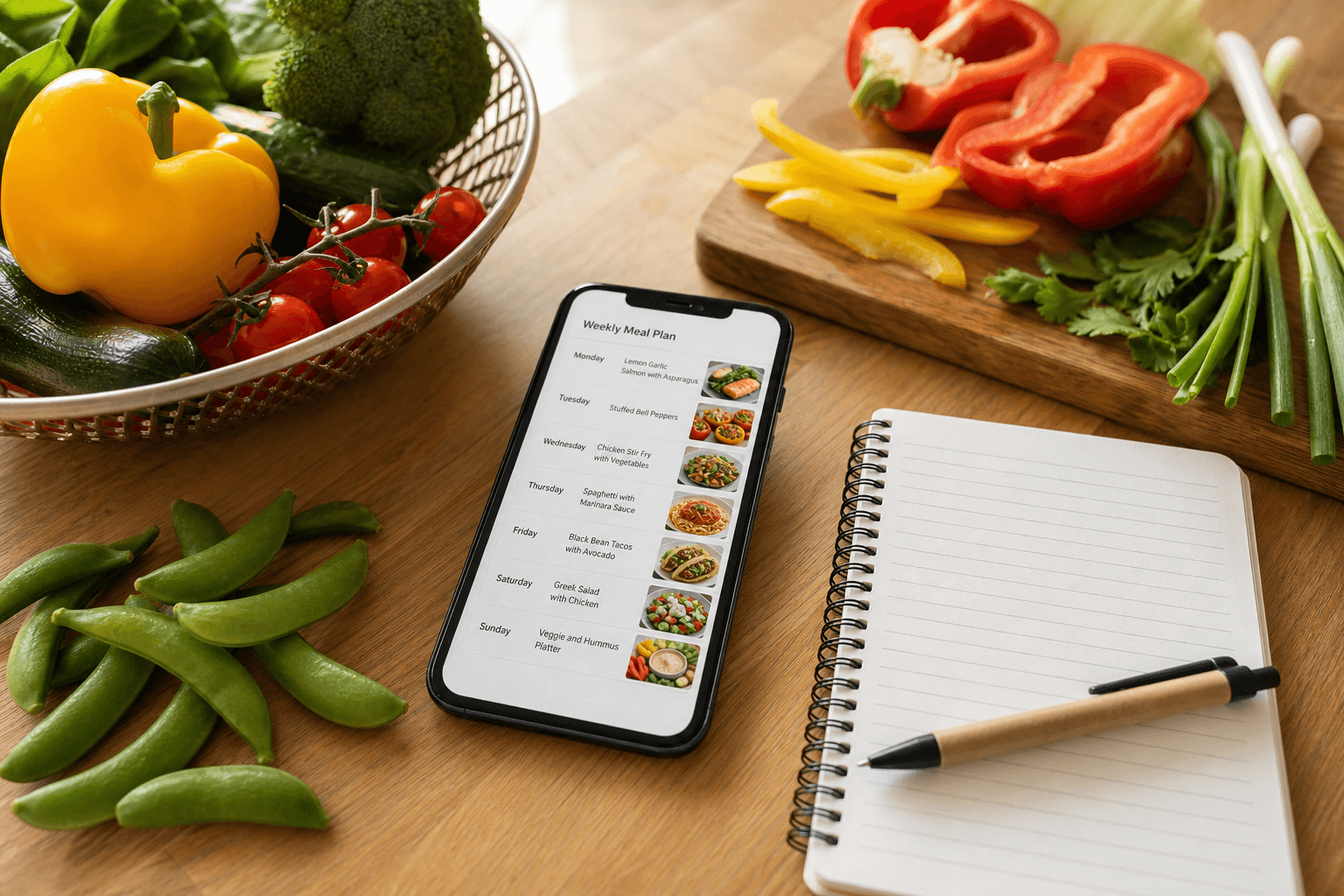
A grocery budget app tells you what you spent. It cannot tell you what you threw away, and for most households that is the bigger number. Track both for a month and plan from the food you already own, before you try to eat differently.
What a grocery budget app actually does (and when one is the right answer)
It connects to your bank, or takes manual entries, and sorts your spending into categories so you can see totals by week or month. The names vary, and so does the platform, but the job underneath is always the same one: telling you where the money went. For a shared budget, or for anyone rebuilding after a bad few months, the bank connection is the part that matters.
Well Stockd does none of that. It has no budgeting, no spend tracking, no bank connection and no price history. If you need category totals, choose a budgeting app. Come back when the totals look fine and the fridge still fills the bin.
The leak no budgeting app measures
Your grocery budget leaks in two places: you buy too much, then you throw part of it away. Every budgeting app measures the first leak and ignores the second.
That second leak is why the totals lie. The card shows one number while the bin quietly takes its share, and no bank feed shows the gap.
Shoppers feel it even when no app is measuring it. An r/AskReddit thread asked the question outright: "How much money do you honestly think you throw directly into the trash every week in rotten or forgotten groceries? How does this affect you?" In a thread about a fridge failure, another shopper wrote, "I can't really afford to replace a couple extra hundred dollars of groceries right now".
Start with the leak behind most full-fridge waste. The cheapest grocery budget is the food you stop throwing away.
How to track grocery spending, properly and cheaply
You do not need to buy software to start. Open your banking app, tag the grocery transactions for the last month, and strip out takeout and coffee, which is the step most people skip and the one that makes the number honest. What is left is your baseline.
A spreadsheet is usually enough at this stage: date, store, amount, three columns. A tracking app does the same job with less typing, and a receipt-based one logs it store by store. Bank categories are good for totals, and an app with limits is good if you want to be stopped rather than informed.
The best way to track grocery spending is whichever of those you are still doing in two months, so pick the one you will actually open.
How to track what you waste (the method, one week, no app required)
The second number takes a week and a piece of paper. Tape it to the fridge, and every time food goes in the bin, write down the item and the reason: wilted, expired, cooked too much, nobody ate the leftovers.
No app is required for this. After seven days you are holding the real pattern, and it is often one repeat offender rather than a general problem. That pattern is what sets the next shopping list.
Use this method for stopping waste at home and the fuller guide to reducing food waste to fix what the list shows. A weekly fridge tracker printable does the counting if you prefer paper.
Count this week's waste with free inventory and expiry tracking, then cook from what you already own. Start the free trial
Grocery budget and tracking apps compared (the table)
No single tool covers both leaks, which is the whole argument of this page in one table. The rows other than ours are categories rather than named products, because no budgeting app price was verified in this pass.
| Tool | Tracks what you spend | Tracks what you waste | Plans meals | Builds the shopping list | Bank connection |
|---|---|---|---|---|---|
| Well Stockd | No | Yes, inventory and expiry | Planner on Pro | Yes, one-tap Walmart cart | No |
| A general budgeting app | Yes | No | No | No | Yes |
| A spreadsheet | Yes, by hand | By hand | By hand | By hand | No |
| A store loyalty app | One store only | No | No | Store list only | No |
What changes when you plan around what you already own
You open inventory instead of a blank page, expiry dates sort themselves, and can-make matching shows dinners your shelves already cover. The catalog gives you about 3,950 meal-kit-style recipes, and the shopping list builds a one-tap Walmart cart for the gaps. Any store works.
Inventory, expiry tracking, the catalog, the shopping list and cook mode are free. The weekly planner is Pro. Pro costs $7.99 a month or $79 a year, with a 7-day trial that starts when you confirm your email and needs no card. One Pro account covers the household through a shared kitchen.
Plan three or four dinners a week from stock. That is the habit that closes the waste half, and it asks you to eat nothing different.
Plan next week from your own shelves with the weekly planner. Try Pro free for 7 days, no card, and keep everything if you stop. Start the free trial
A four-week plan to bring the number down
Week one, track both numbers: bank-app spending and bin-list waste. Week two, shop your shelves first and run a pantry and freezer challenge to eat down the backlog. Week three, plan four dinners from inventory before writing any list. Week four, keep the meals that repeated well.
If money is short right now, cook from these cheap meals that stretch groceries until payday while the plan takes hold.
Run the four-week plan with the weekly planner behind you. Start the 7-day no-card trial and plan week one tonight. Start the free trial
FAQ
What is the best grocery budget app?
No one app wins. If you need bank-level totals, pick a budgeting app. If spending looks fine but food still goes in the bin, use the comparison above.
Is there a free grocery budget app?
Yes, on both halves. Free budgeting tools cover basic spend totals, and Well Stockd's free tier covers the waste half with inventory, expiry tracking, can-make matching, the shopping list and cook mode.
How do you track grocery spending?
Pull four weeks of grocery transactions, strip out takeout, and log the rest in a spreadsheet or budgeting app. Review weekly.
What is the best way to track grocery spending?
The best way to track grocery spending is the method you keep for two months: bank categories for totals, a spreadsheet for control, and a separate waste list.
How much should groceries cost per month?
It depends on household size, region and eating out. Average your last two months of grocery-only spending and treat that as your baseline, not a national figure.
How do you stop wasting money on groceries?
Shop your shelves first, plan dinners from what you own, buy a shorter list, and log what you toss for a week.