Plan to Eat alternatives, including the free ones
Plan to Eat costs $49 a year with no free tier. Compare Paprika, eMeals, AnyList and a planner that cooks from your fridge.
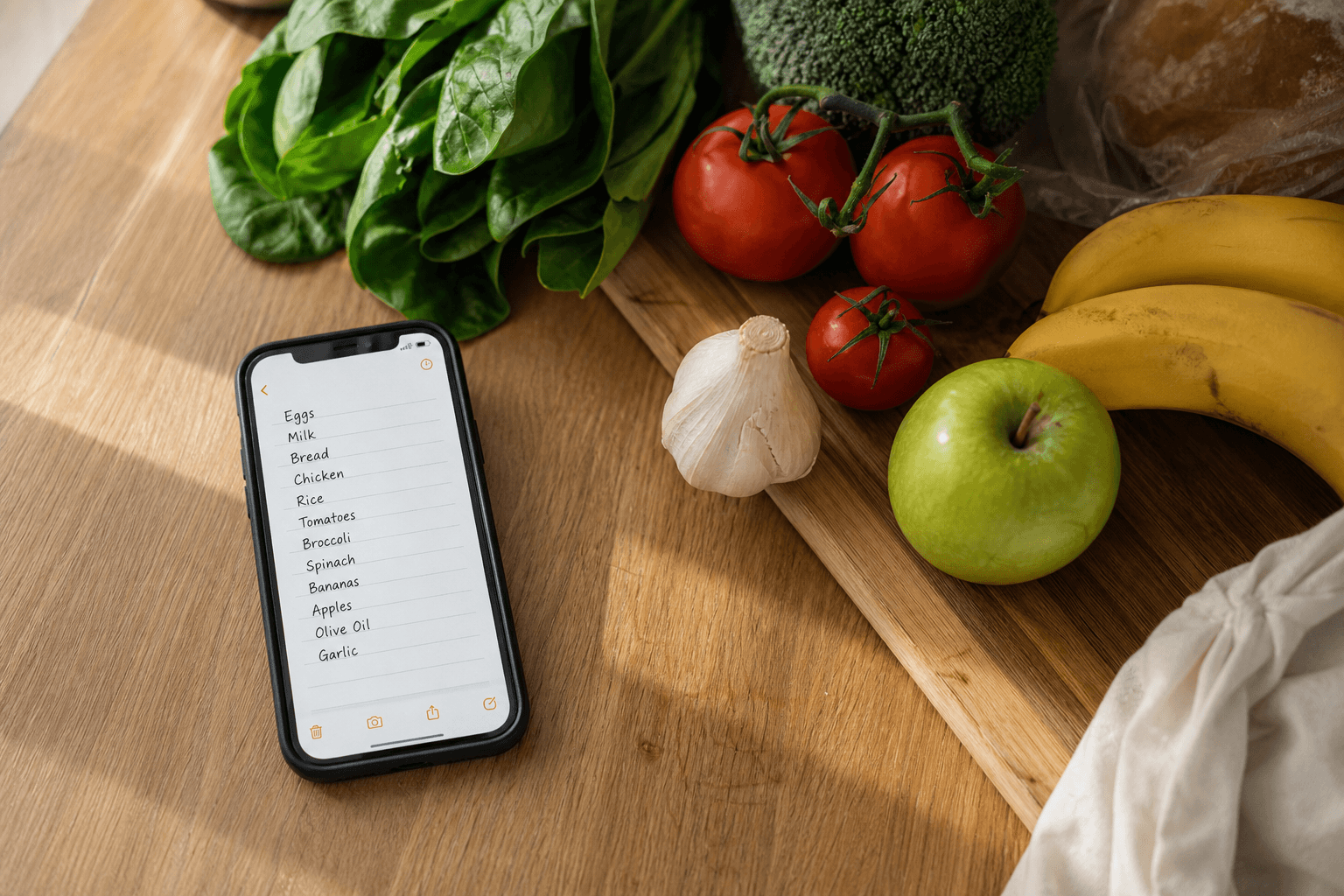
Plan to Eat costs $5.95 a month or $49 a year as of September 2026, with no free tier, so most people looking for an alternative are looking on price. The options split two ways: a one-time recipe box like Paprika, or a planner that starts from the food in your kitchen.
What Plan to Eat costs, and why there is no free version
The pricing is simple. You pay $5.95 a month or $49 a year as of September 2026, starting with a 14-day free trial that asks for no credit card. When the trial ends or the renewal arrives you pay or you leave, because there is no free tier to fall back on. That is the whole objection: full price whether you cook nightly or twice a week, from a planner that cannot see your fridge.
Well Stockd Pro is $4.99 a month or $39 a year, with a 7-day trial that also needs no card. Well Stockd Free stays useful after any trial ends, with the catalog of about 3,950 recipes, inventory with expiry tracking, can-make matching, the shopping list with a one-tap Walmart cart and cook mode. You upgrade for the planner, not for the basics.
Is Plan to Eat worth it?
Yes, if you cook from recipes you clip. Clipping from any site is what Plan to Eat does best, and it has a long track record and a calendar people stay loyal to. If you save recipes through the week and lay them out on Sunday, $49 a year as of September 2026 buys a tool you will open most days.
It fits less well when dinner starts from food you own. Plan to Eat plans from recipes you feed it, so it cannot point you at the chicken you already bought. The alternatives below split exactly on that axis.
Plan to Eat alternatives compared
The column that decides it is the last one: does the planner know your inventory, or only your recipes?
| App | Price as of September 2026 | Free tier | Plans from what you already own |
|---|---|---|---|
| Well Stockd | $4.99 a month or $39 a year, 7-day no-card trial | Yes, a full Free account | Yes, can-make matching from your inventory |
| Plan to Eat | $5.95 a month or $49 a year, 14-day no-card trial | No, trial only | No, it plans from recipes you clip |
| Paprika | One-time per platform, about $4.99 phones, $29.99 desktop | None, you buy it once per platform | Partly, a pantry with quantities and expiry, but you supply every recipe |
| eMeals | $4.99 a month, 12-month dinner plan | 14-day trial | No, the plan is written for you and pushed to a store cart |
| AnyList | Free tier; Complete $9.99 a year solo, $14.99 household | Yes | No, no inventory, expiry tracking or can-make matching |
Expiry tracking, inventory, the catalog, the shopping list and cook mode are all Free, and how the expiry tracking compares is a fuller look at that one. Pro adds the weekly planner, the shared household kitchen and the hands-free cook assistant.
You compared $49 a year against $39 a year. Try the fridge-first planner with three free Pro months. Claim the switch offer
Plan to Eat vs Paprika
Paprika charges once instead of yearly. Paprika Recipe Manager 3 is a one-time purchase per platform as of September 2026, about $4.99 on phones and about $29.99 on desktop, with no subscription, though you buy it again on each platform you use.
Two things about Paprika are worth stating plainly, because they are often got wrong. It keeps a pantry with quantities, purchase dates and expiry dates, and it has a real cook mode where the screen stays on and the current step stays highlighted.
Its honest gap is a different one: Paprika ships with no recipes, so you clip or type your own, one by one. Plan to Eat clips and calendars better, while Paprika is the box you pay for once and keep. Neither builds the week from your inventory, so pick Paprika for the box and look elsewhere if you want the planner to see your fridge.
Plan to Eat vs eMeals
This one is about who writes the plan. eMeals costs $4.99 a month on the 12-month dinner plan as of September 2026, with a 14-day free trial, and the plans are written for you. They push straight to a store cart, Walmart included, which suits a week when you want dinner decided for you.
Plan to Eat makes you the author instead, at a slightly higher monthly price. If you like choosing the recipes, it fits. If you want dinner handed to you and sent to a cart, eMeals fits. If you want the week built from food already in your kitchen, neither does that job.
Plan to Eat vs Mealime (and why that comparison expires on October 21, 2026)
Mealime closes on October 21, 2026, with all personal data deleted at shutdown and no export for recipes, plans or grocery lists. Pro is free for everyone until then, after costing $2.99 a month. If you are weighing Mealime against Plan to Eat, that decision has a deadline on it, and what Mealime users can move to covers the move in full.
The free alternative most people are actually looking for
The free alternative people want is a planner that can see the kitchen. You already believe in planning. The objection is paying yearly for a calendar that cannot tell you to cook the chicken first.
That is the axis to choose on. A recipe box keeps recipes you found. A kitchen-first planner starts from your inventory, matches the recipes you can make now, and builds the shopping list around the gaps. Learn the method in planning from what you have, then try meal planning from what you already have before paying anyone.
People moving over get three free Pro months through the founding window, claimed in Settings after creating a free account.
If your planner knew your fridge, the week would plan itself. Try that planner with three free Pro months. Claim the switch offer
What you give up by switching
Switching asks for one habit change. You give up clipping-first planning, where the week starts from recipes you saved, for kitchen-first planning, where you log what you buy and the matcher suggests the week. That method is reverse meal planning, and the first two weeks feel different before they feel faster.
Well Stockd answers the sharing part with household sync: one Pro account creates the shared kitchen everyone cooks from. Nothing you saved is deleted if you drop back to Free.
Keep two people on one shared plan in a kitchen everyone can see, with three free Pro months for the move. Claim the switch offer
How to cancel a Plan to Eat subscription
Sign in on the Plan to Eat website and open your account or subscription settings, then follow their current help pages for the exact steps. They change their own flow, so trust their pages over anyone else's write-up, including this one. If you are still inside the 14-day trial, cancel before it renews, because there is no free tier to drop into.
FAQ
Is there a free Plan to Eat alternative?
Yes. Paprika is a one-time purchase per platform, and Well Stockd Free covers the catalog, inventory with expiry, can-make matching, the shopping list and cook mode. You pay only for the planner, household sync or the cook assistant.
How much does Plan to Eat cost?
Plan to Eat costs $5.95 a month or $49 a year as of September 2026, after a 14-day free trial with no credit card. There is no free tier beyond the trial.
Is Plan to Eat worth it?
It is worth it if you clip recipes from any site and plan them on a calendar. It fits less well if you want the planner to know what is in your fridge.
Plan to Eat vs Paprika: which is better?
Plan to Eat wins on clipping and calendar planning. Paprika wins if you want to pay once per platform and keep a recipe box with a pantry and cook mode. Neither plans the week from your inventory.
How do I cancel a Plan to Eat subscription?
Sign in on the Plan to Eat website, open your account settings, and follow their current help pages. Trust their site over third-party instructions.