Receipt scanner pantry app: stock your kitchen from the receipt
How Well Stockd, Fango, NoWaste and Cooklist turn grocery receipts and order emails into a pantry list: what they read, non-food lines, dates, review and price.
A receipt scanner pantry app reads your grocery receipt and adds the food to your kitchen inventory. Well Stockd is our pick: you check every line before anything is added, and forwarded Walmart and Target order emails work too. Fango is the runner-up for receipts from many countries.
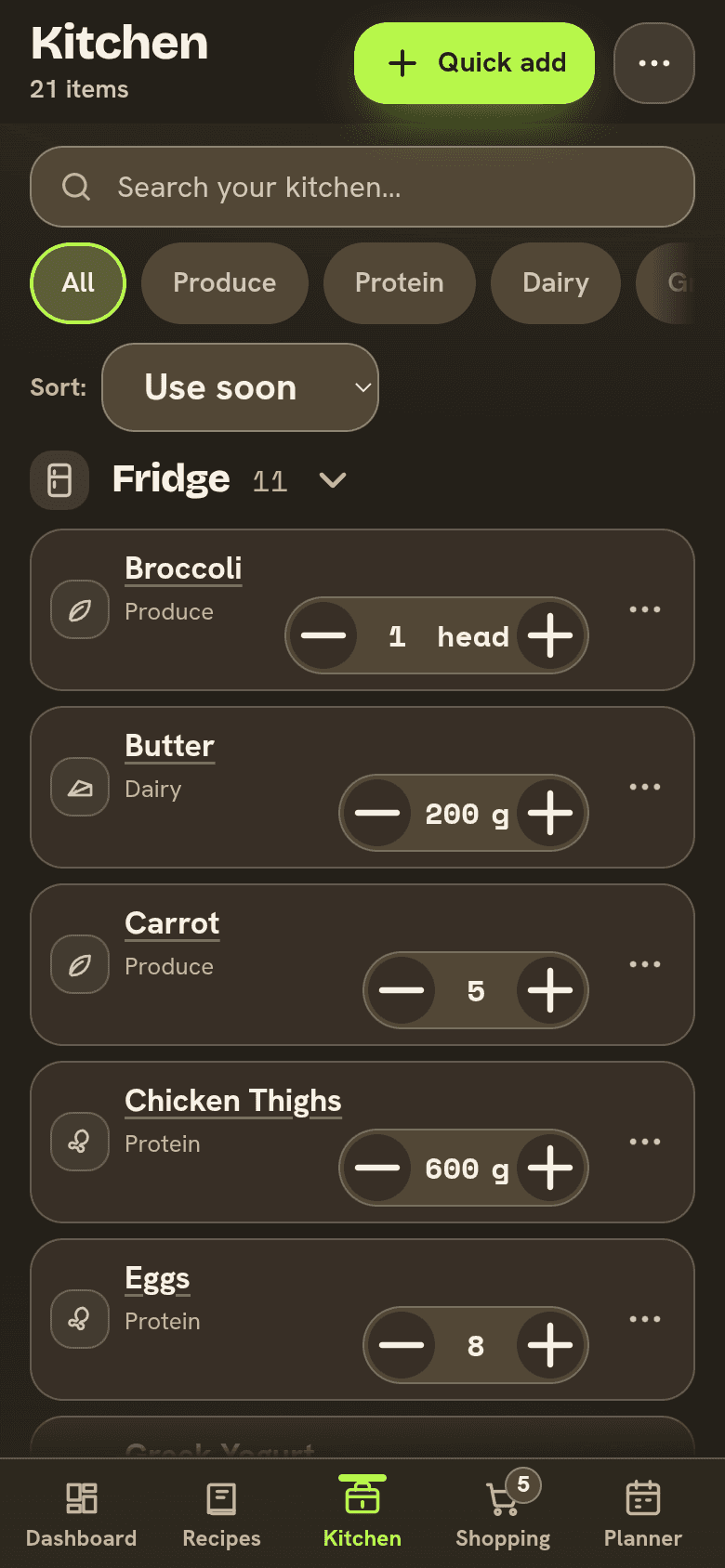
Typing in forty items after a big shop is where most pantry apps get abandoned. The receipt already lists what you bought, so letting an app read it sounds like the obvious fix.
The catch is that receipts are hard to read. Store abbreviations like "GV WHL MLK" stand in for real names, quantities are often missing, there are no expiration dates, and the dish soap sits between the milk and the eggs. So the useful question is what an app does with each line before it lands in your kitchen.
How we compared
We read each app's own website, help pages and App Store listing on November 3, 2026. For each one we noted what it can read (a paper receipt, a PDF, an email), what happens to lines that aren't food, how it handles amounts and dates, whether you check the result before it's stocked, and what it costs. We did not run the same receipt through every app, so where a page doesn't say something, we say that.
Receipt scanner pantry apps at a glance
| App | What it reads | Before food is stocked | Price |
|---|---|---|---|
| Well Stockd | A receipt photo or PDF, and forwarded Walmart and Target order or delivery emails | You check each name, amount and place, then tap Add | Free for up to 30 foods; Pro lifts the limit (plans) |
| Fango | A receipt photo, or an e-receipt or PDF shared from email, a banking app or Files | It estimates shelf life, and you confirm the dates | One month free, then a monthly or yearly plan priced in the app |
| NoWaste | Receipts, plus barcodes, photos and typing | Its page doesn't say | Free for one location; Pro $29.99 once or $6.99 a year |
| Cooklist | Purchases from linked store loyalty cards | Its listing doesn't say | Free with ads; Pro from $5.99 a month or $49.99 a year |
Well Stockd: every line checked before it's stocked
We make Well Stockd, so weigh our ranking with that in mind. Here is what it does today, and where it falls short.
There are three ways in. On the Receipts to review page in your kitchen, tap Scan a paper receipt and take a photo. Or forward a Walmart or Target order or delivery email to your own forwarding address, and Well Stockd reads it from the email text. For any other store, email a photo or PDF of the receipt to the same address. Mail is accepted from your account email, or from other senders you add and confirm by email.
Well Stockd reads up to 40 food and drink lines from one receipt, and a PDF of up to six pages. It leaves out cleaning, household and personal-care products, along with totals, tax, fees and tips, and it groups identical products into one line. Each line shows:
- The name as printed. A name it isn't sure of is marked "Name is a guess; check it against the original."
- The amount, only if the receipt prints one. Otherwise the line says "Amount needed" and you fill it in.
- The price, if the receipt prints it.
- Where to store it: Fridge, Freezer or Pantry, with Pantry when it can't tell.
It never invents a date from the receipt. Each line has an optional Use by field. Leave it empty and the food gets the same shelf-life estimate as anything else you add, and that estimate drives the reminders. Then the review page says it plainly: "Nothing is added until you tap Add." Prices are saved with what you add, so your used and tossed stats can show what wasted food cost.
An order confirmation shows as "Ordered, not delivered yet", so groceries still on the truck don't look like they're in your fridge. The forwarded email itself is deleted after 30 days, and anything you added stays. Receipt photos are on the free plan. You need to confirm your account email first, and the free kitchen holds up to 30 foods. If a receipt would take you past that, the extra new foods stay on the receipt to add later. Pro lifts the limit.
Where it does not win:
- Only Walmart and Target emails are read from their text. Every other store needs a photo or PDF attached.
- Amounts come only from what's printed. A line that says "BANANAS" with no count needs you to type one before it can be added.
- It reads up to 40 food lines, so a very long stock-up receipt may not all come through in one pass.
- There is no loyalty card link, so nothing arrives unless you photograph or forward it. Cooklist imports purchases without that step.
- Reading a receipt draws on the app's AI allowance. If that runs out, an emailed receipt shows "Waiting for AI allowance" until it can be read.
Forward your next grocery order email, or snap the receipt, and check every line before it's stocked. Start the free trial
Fango: receipts from more than 60 countries
Fango is built around the receipt. You photograph a paper receipt, or share an e-receipt from your email, a banking app or Files, PDFs included. Its site says it "reads receipts from more than 60 countries and knows dozens of currencies", works in any shop with "no loyalty cards, no separate deals with retailers", and lets you shoot a long receipt in several parts. Its AI recognises the products and estimates shelf life, and you confirm the dates.
Reminders come 1 to 14 days ahead, and you can answer one straight from the notification: eaten, wasted, postpone or move to the freezer. The shopping list sorts into 13 aisles, a household of up to four shares one subscription, and you don't need an account to start. Fango runs on iPhone and Android. It's free for a month, then a monthly or yearly subscription with the price shown in the app. Its site is about the receipt, the reminders and the list, so it suits you if that is the whole job.
NoWaste: receipts as one of several ways in
NoWaste's site puts it simply: "Add your food - by hand, barcode, photo or receipt." The free plan covers pantry, fridge and freezer lists for one location with no ads, and Pro is $29.99 once or $6.99 a year for up to 20 locations and expiry reminders. Its own page disagrees with itself on receipts, though. The price table lists "Barcode, photo and receipt scanning" under Free, while the FAQ says Pro adds "barcode, photo and receipt scanning." Check in the app before you pay. NoWaste runs on iPhone, Android and the web.
Cooklist: loyalty cards instead of scanning
Cooklist skips the scan. Its App Store listing says it "connects to your grocery store loyalty cards and automatically downloads all of your food purchases into a digital pantry", and it "works with Walmart, Kroger, Safeway, Wegmans and 75 more" stores. It also keeps your grocery receipts in one place and has a barcode scanner for anything else. That's the least typing of any app here, as long as you shop where your card is linked. The app contains ads, and Cooklist Pro is sold in the app from $5.99 to $9.99 a month or $49.99 to $59.99 a year. We looked at the rest of it in is Cooklist worth it.
Typing it in, or a spreadsheet
The free fallback is to copy the receipt into a list yourself. It takes ten minutes after a big shop and you get exactly the names you want. If a spreadsheet is your style, our guide to scanning groceries into Google Sheets sets one up. What you give up is the reminder, unless you add dates by hand.
Which receipt scanner pantry app should you pick
| If you want | Pick |
|---|---|
| To check every line, and forward Walmart or Target order emails | Well Stockd |
| Receipts from almost any country, with reminders you answer from the notification | Fango |
| Receipts as one option among barcode and photo, with a one-time Pro price | NoWaste |
| Purchases pulled in from your loyalty cards with no scanning | Cooklist |
How to get a clean scan
A receipt scan is only as good as the photo. Flatten the receipt, shoot it in good light, and get the whole thing in frame, from the store name to the total. A crumpled receipt from the bottom of the bag is where most misreads come from. For a long one, use an app that takes it in parts, or ask for an emailed receipt at checkout.
For delivery orders, forward the delivery email as well as the order confirmation. In Well Stockd an order waits as "Ordered, not delivered yet", and with substitutions the order and the bag don't always match, so check the lines against what came.
Then spend thirty seconds on the review. Fix the abbreviations, add a count where the receipt left one out, and move anything you're freezing to the freezer. Put a date on raw meat and fish, because those are the ones you most need a reminder for. If you want a second fast way to add food that came without a receipt, see the pantry apps with a barcode scanner. Our pantry inventory app comparison covers the rest of the job, and the apps that track food expiration dates cover the reminders.
Let the receipt do the typing, and spend your thirty seconds on the dates that matter. Start the free trial
Frequently asked questions
Can an app scan a grocery receipt into a pantry list?
Yes. Well Stockd, Fango and NoWaste all take a photo of a receipt. Well Stockd and Fango also read receipts you share or forward from email. Cooklist imports purchases from linked loyalty cards instead of scanning.
Which pantry apps read email receipts?
Well Stockd reads forwarded Walmart and Target order and delivery emails from their text, and a photo or PDF attached to an email from any other store. Fango takes e-receipts and PDFs shared from your email, a banking app or Files.
Do receipt scanners add expiration dates?
Receipts don't print them, so the app has to estimate. Well Stockd gives food without a date the same shelf-life estimate as anything else you add, and you can type your own. Fango estimates shelf life and asks you to confirm the dates.
Is there a free pantry app with receipt scanning?
Well Stockd's free plan includes receipt photos for a kitchen of up to 30 foods. NoWaste's price table lists receipt scanning under Free, but its FAQ places it in Pro. Fango is free for a month.
Does a receipt scanner pick up non-food items?
Well Stockd leaves out cleaning, household and personal-care products, along with tax, fees and totals. The other apps' pages don't say how they handle non-food lines.
Sources:
Competitor details checked November 3, 2026.