Meal planning with ADHD: a system that survives a bad day
A low-decision meal planning method for ADHD: a small fixed pool, one shop, and an app that remembers what you have and what you can cook.
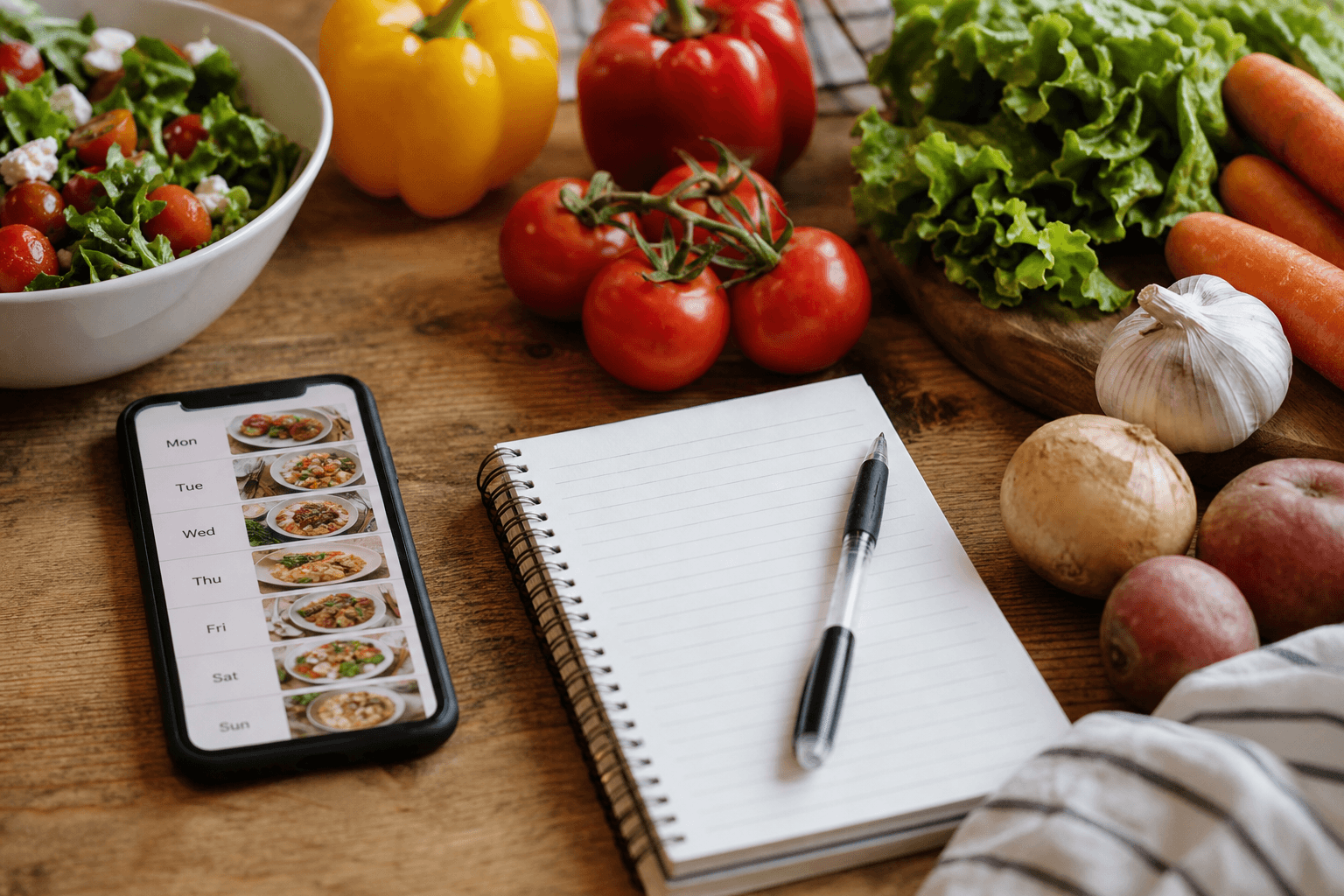
Meal planning works with ADHD when it removes the daily decision instead of organising it. Pick six to ten meals you are happy to repeat, keep their ingredients in the house, and let an app remember what you have and what you can cook tonight.
Why standard meal planning advice fails here
Most meal planning advice asks you to decide fresh every day: a new recipe each night, a long Sunday prep session, and a fridge tracked from memory. A plan that needs a daily decision is a plan that fails on the first day you have none left, and the rest of the week slides with it.
A thread in r/DinnerIdeas put it plainly: "Too mentally exhausted to figure out dinner... every damn night". What you want at that hour is fewer open questions, answered in advance, so dinner runs on recognition rather than invention.
The small fixed pool, and why repetition is the feature
Repetition is not a compromise here, it is the working part. You pick meals you like enough to eat often, cook them in rotation, and add variety later one swap at a time.
The community converged on this before any app did. The top answer in an r/workingmoms thread on the same problem was blunt: "I solved this by having a meal rotation. 4 [5] weeks of meals decided and laid out." Decide once, then repeat. For the step by step, follow this weekly planning method from what you have.
How many meals you actually need (six to ten, and why)
Six to ten covers a week with room to repeat the ones you like most. Fewer gets boring fast, and more hands the choosing problem quietly back to you.
Favour short ingredient lists and heavy overlap. Five meals built on pasta, rice, eggs, beans and chicken, all reusing onions, garlic, tinned tomatoes and a sauce or two, are far easier to keep stocked than ten unrelated ones. These low-ingredient pool candidates keep the shop and the stove time short. Write the pool down in one place.
Build your pool out of the free catalog of about 3,950 meal-kit-style recipes instead of typing recipes in. Start the free trial
Removing the decision, not just organising it
A plan that only organises the decisions still leaves you making them at six o'clock. The aim is for dinner to be obvious the moment you walk into the kitchen.
Give each pool meal a loose slot so Monday already has an answer, let can-make matching narrow tonight's field to what the kitchen can actually produce, and keep one default you can cook while tired. This guide on deciding with food you already have goes further.
The shopping half: buying the same things on purpose
A fixed pool makes the shop repeatable too. You buy the same core list most weeks plus fresh top-ups, and you write that list once rather than every Saturday. These pantry staples with grocery lists included show the shape: recipe and list together.
What an app can take over, and what it cannot
The only question worth asking of an app here is what it remembers so you do not have to. A good one holds the inventory, matches it to dinner, builds the list and reads the steps aloud while you cook. It cannot stock the fridge or pick your pool, but both of those are one-off jobs rather than nightly ones.
Well Stockd Free holds that whole loop: about 3,950 recipes, inventory with expiry tracking, can-make matching, a shopping list with a one-tap Walmart cart, cook mode, 2 lists and a limited number of voice fills each month, which matter here because saying what you just put in the fridge is less work than typing it. The weekly planner is Pro, at $7.99 a month or $79 a year, alongside custom substitutions and the hands-free cook assistant. The 7-day trial starts when you confirm your email and takes no card, so there is nothing to cancel if you decide against it, and the nightly question stays the same either way: what you can make with what is in the fridge.
Put your pool in the planner on the 7-day no-card trial and let it remember the week. There is nothing to cancel if you stop. Start the free trial
Meal planning apps compared
There is no best meal planning app for ADHD in the abstract, so here are four judged on what decides whether you keep using one. Prices and status are as of September 2026. Mealime closes on 2026-10-21, with all personal data deleted and no export, so do not start a pool there this month.
| App | Price | Free tier | Limit to know |
|---|---|---|---|
| Well Stockd | $7.99 a month or $79 a year, 7-day no-card trial | Catalog, inventory, can-make matching, list, cook mode | The planner and the cook assistant are Pro |
| Plan to Eat | $5.95 a month or $49 a year, 14-day trial | None | You enter your own recipes |
| Mealime | Pro was $2.99 a month, and is free for everyone now | Free until it closes on 2026-10-21 | No export for recipes, plans or lists |
| SuperCook | Free, no in-app purchases | Free | No shopping list on the free tier, no saved recipes |
Judge these the opposite way round from the usual advice. A plain planner you still open on a bad day beats a powerful one you stopped opening in week three.
When the plan collapses, which it will
Every plan breaks, so the recovery is the real system. Pick three meals out of the pool, shop once for those three only, and cook them in any order. No rebuild, no full restock, and no catching up on the week you missed.
Keep one fallback for empty fridge nights, like these easy dinners for an empty fridge, then return to the pool next week as if the gap never happened.
Restart with three meals and one shop, and put those three in the planner tonight. Start the free trial
FAQ
What is the best meal planning app for ADHD?
The best fit repeats a small fixed pool and asks you to type and remember the least. Compare the four in the table above on free tier, built-in recipes and what each one stops doing, then pick the one you will still open on a bad day.
How do you meal plan with ADHD?
Pick six to ten repeat meals, keep their ingredients in the house, plan once a week from what you have, and buy the same list. When the plan breaks, restart with three meals and one shop.
Is there an app to help with meal planning?
Yes. An app helps by remembering inventory, matching it to recipes you can make now, building the list from the plan, and reading steps in cook mode. You still pick the pool once.
What is the simplest meal planning app?
The simplest needs the least from you: built-in recipes, can-make matching, and a list that follows the plan. Free tiers let you test that before you pay.
Why is deciding what to cook so hard?
Dinner bundles small decisions: what sounds good, what you have, what is fresh, what to buy, and what order to cook in. A fixed pool planned once removes most of them.