Meal planning apps for couples: planning for two, not alone
A meal planning app for couples needs a shared plan, list and pantry. Compare options and set up a two-person system.
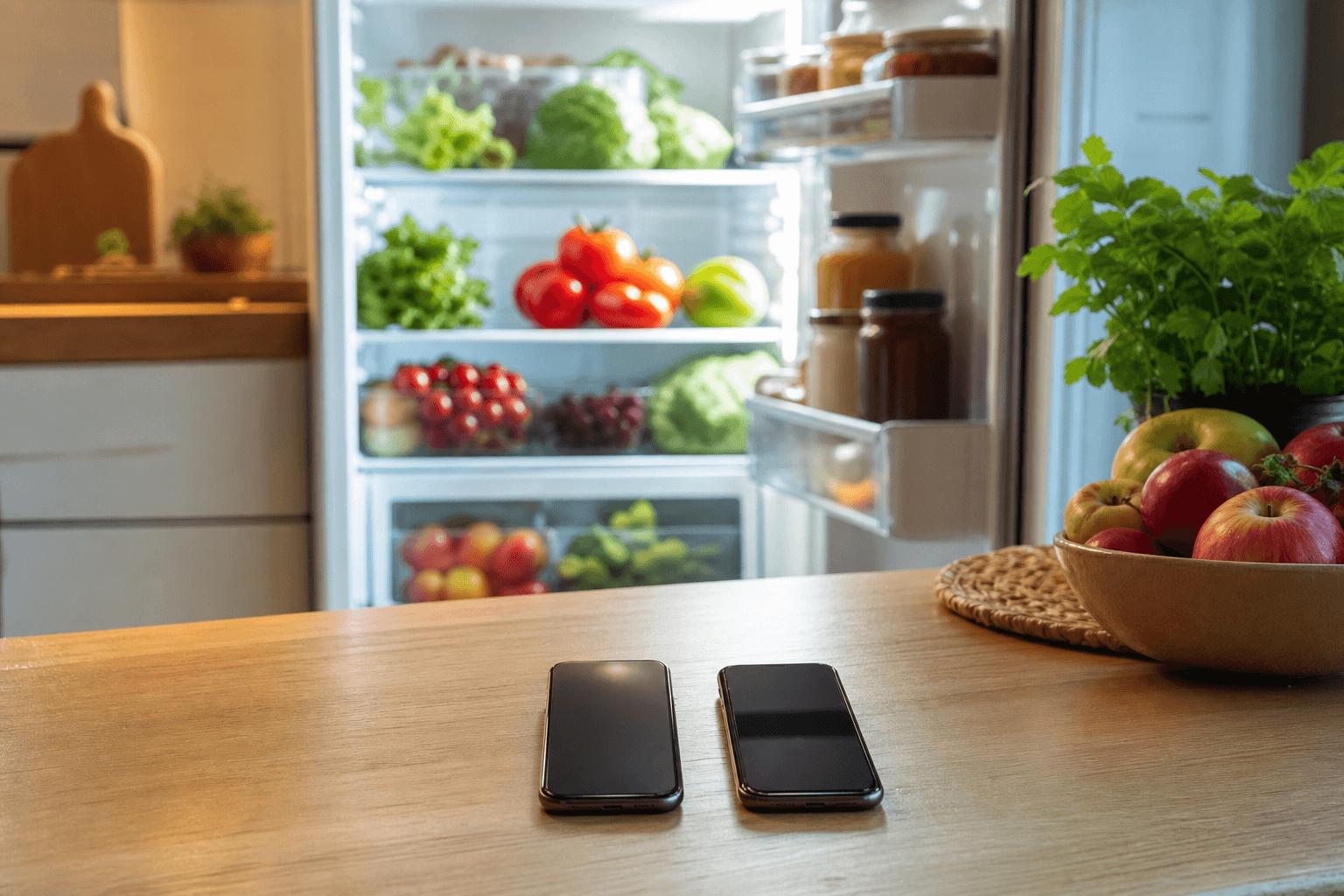
Most meal planners treat a household as one person, which is why one of you ends up deciding every night. For two people what matters is a plan you can both see, a list either of you can shop from, and an inventory that says what is actually at home.
Why planning for two is harder than planning for one
One person can hold a week in their head. Two people cannot hold the same week in two heads, and that is the whole problem. One of you knows the chicken is still good. The other knows Thursday runs late. Neither fact reaches the other in time, so dinner falls through the gap.
A thread on r/workingmoms named the feeling exactly: "It's not even the cooking. It's the constant 'what are we eating tonight?'" That complaint is not about cooking skill or about time. It is about carrying a decision alone, every day, and a simple meal planning app only helps if it puts that decision on a screen you both look at.
The Sunday negotiation, and how to stop having it
The Sunday negotiation is the weekly summit where you pick five dinners, forget what is already in the fridge, and buy most of it again. Flip the order: plan from what you own first and shop only for the gaps. The method in weekly meal planning from what you have walks through it, and if a fixed week feels heavy, reverse meal planning is the lighter version, where whatever has to be used up decides the order.
What ends the negotiation is not the method, though. It is writing the result somewhere you can both see it, so neither of you has to remember it or defend it on Wednesday.
Put this week in a shared planner with the 7-day no-card Pro trial and skip the next Sunday summit. Start the free trial
Meal planning apps for couples compared
Read the last column for how each app handles the second person, which is where most of them fall down.
| App | Price as of September 2026 | Free tier | Planner and sharing for two |
|---|---|---|---|
| Well Stockd | $7.99 a month or $79 a year | Yes: about 3,950 recipes, inventory with expiry, can-make matching, shopping list with one-tap Walmart cart, cook mode, 2 lists | Planner and household sync are Pro; one Pro account creates the shared kitchen |
| Plan to Eat | $5.95 a month or $49 a year, 14-day trial, no free tier | None | Paid planner with one household plan and list |
| Cozi | Free with ads; Gold $39 a year covering everyone on the account | Yes, ad supported | Family calendar first with meal planning beside it; Gold covers everyone |
| AnyList | Free tier; Complete $9.99 a year for one person, $14.99 a year for a household | Yes | Meal-planning calendar is Complete-only; no inventory, expiry, or can-make matching |
| Mealime | Pro was $2.99 a month before the farewell; Pro is now free for everyone | Yes, Pro free until the shutdown | Closing October 21, 2026, with all personal data deleted and no export |
Those feature and status notes were checked in September 2026. Two rows deserve a second look. Well Stockd Pro costs more than Plan to Eat, which has no free tier to fall back to. Mealime closes on October 21, 2026, so do not move your routine into it now, however free Pro is in the meantime.
Browse the free catalog of about 3,950 recipes and cook from what is already in your kitchen tonight. Start the free trial
Planning around two schedules
Two schedules mean two kinds of evening, and a plan that pretends otherwise breaks on the first late night. Some nights you eat together. Some nights one of you gets in at nine and the other has already eaten. Mark which nights are which when you set the week, rather than discovering it at seven.
Keep the late nights deliberately simple and save anything new for a night you both sit down. The order that makes this work is in how to meal plan with what you already have: inventory first, then recipes, then the store.
Using your own recipes in a shared plan
Every couple runs on a handful of its own dishes: the pasta one of you makes without looking, the chili at the heat level you agreed on years ago. A planner that only holds catalog recipes loses to a notes app within a month, because the dishes you actually cook are not in it.
So the practical question is whether the app keeps your own recipes inside the week you share. Well Stockd Free already holds an unlimited number of your own recipes alongside the catalog, so the whole set sits in the plan you both see. The paid side is $79 a year on the pricing page, with the planner and household sync included.
Add the five dishes you cook most, then have each of you add one more. That is usually enough for the plan to feel like yours rather than an app's.
Whoever gets home first should be able to cook
This is the test every setup for two should pass. One of you walks in at six while the other is still commuting. Can the first person start dinner without calling to ask what the plan was and whether the tortillas got bought?
That works only when the plan and the pantry are the same thing. The plan says Tuesday is tacos, and the inventory confirms the tortillas and beans are in the house. Two separate apps cannot answer that, which is why a shared list alone never quite fixes it.
Well Stockd ties them together through the shared kitchen: one Pro account creates it, both of you cook from it, and the can-make matching in what can I make with what is in my fridge shows which planned meals are cookable tonight.
Create one shared kitchen on the 7-day no-card trial and let whoever gets home first cook. Start the free trial
Setting it up together in ten minutes
Do this once, together, with both phones out. Each of you names two meals you would happily eat every other week, which gives you four to start. Enter what is in the fridge and freezer, but only the proteins and vegetables that expire first, not the whole cupboard. Then place three of those meals on nights you both expect to be home.
Keep the rules light after that. Either person can swap a night or add to the list without checking first. The only rule worth enforcing is that the plan on the screen is the plan, because the moment one of you keeps a better version in your head you are back where you started.
FAQ
What is the best meal planning app for couples?
The best fit is the one you both actually use: a weekly planner you can both see, a list you both edit, and recipes that match what you own. Compare the table above on those three points before you pay for anything.
Is there an app for meal planning?
Yes. Several apps plan the week, share the plan with a partner, and build the shopping list from it. Well Stockd adds inventory and can-make matching, so the plan starts from food already in your kitchen.
What is the best free meal planning app?
A strong free app covers the whole cooking loop: recipes, inventory, a shopping list, and cook mode. Well Stockd Free includes about 3,950 recipes, inventory with expiry, can-make matching, the shopping list with a one-tap Walmart cart, cook mode, and 2 lists.
Can two people use the same meal planning app?
Yes. In Well Stockd one Pro account creates the shared kitchen and both people cook from it, seeing the same plan, list, and inventory. The 7-day no-card trial, which starts when you confirm your email, is enough to test whether you both open it.
Is there a meal planning app with your own recipes?
Yes. Well Stockd holds an unlimited number of your own recipes on both Free and Pro, so family dishes and your own versions sit inside the same shared plan. See the $79 a year figure on the pricing page for the paid side.